.png?fit=max&auto=format&n=rq0kUoDk0eeUZycF&q=85&s=da1ae6b31071dd0f938c836d90be8c66)

- title of the track
- audio of the track
- format of the track
- genre of the track
- BPM
- key
- artists
- Date of reception
- more
- Split management
- Create independant release (in case you want a single of an album to be a release before the album release)
- Add to playlist
Informations like BPM, Key and genre are computed using our AI.Our AI is not a public model. We are owning our own server and the data parsed are protected and not exposed to public models.See the AI section of the documentation.
Track details
By clicking the track title you will have more details of a track :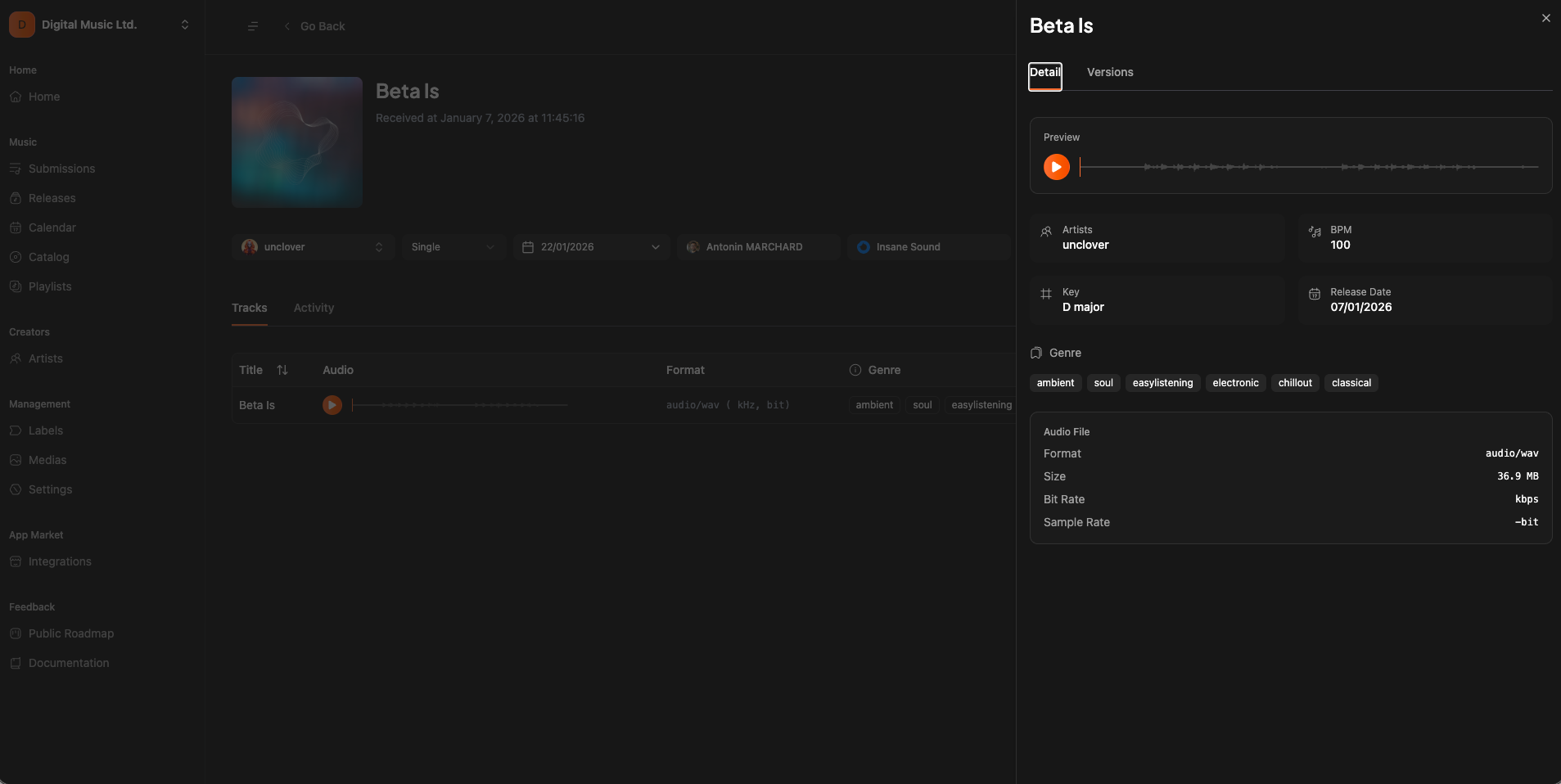
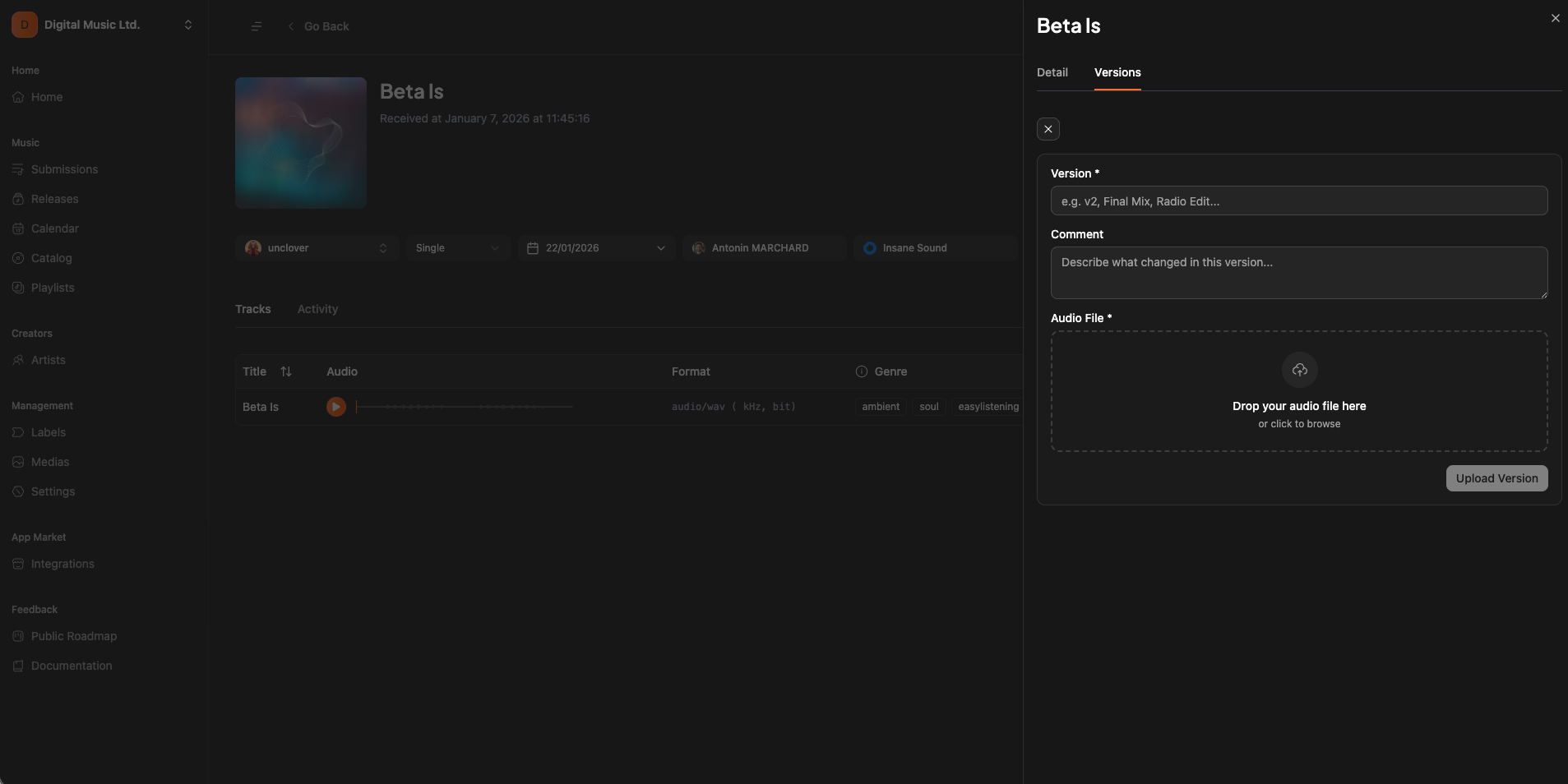
Track versions
Track versionning is an important notion.Sometimes artists will send to you an unfinished version of the track, or a simple mix, or just stems. Here you can upload any version as you want and assign it to the track so the artist will have the opportunity to listen it and to give you feedback using the chat.