.png?fit=max&auto=format&n=rq0kUoDk0eeUZycF&q=85&s=da1ae6b31071dd0f938c836d90be8c66)
Activate the integration
Go on the integration section of the app, choose the label you want and activate the integration called “My own website form”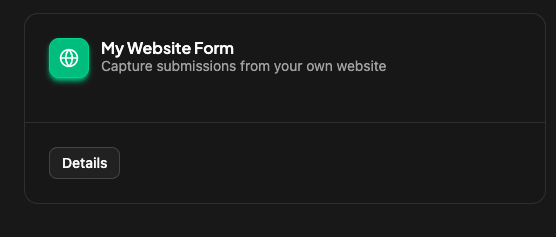
Install the script
Go on your websitehead html tag. And add the script you will have on the details of the integration card script :