.png?fit=max&auto=format&n=rq0kUoDk0eeUZycF&q=85&s=da1ae6b31071dd0f938c836d90be8c66)
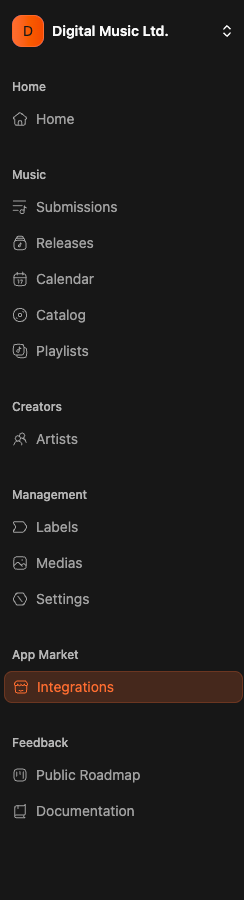
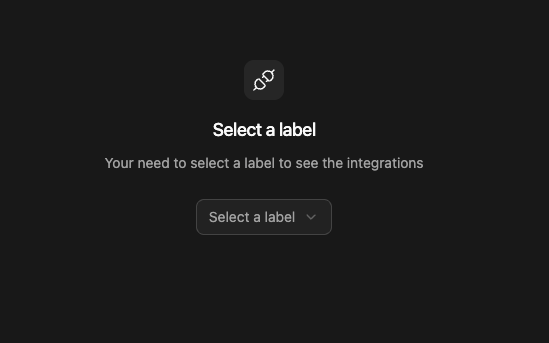
How to customize it ?
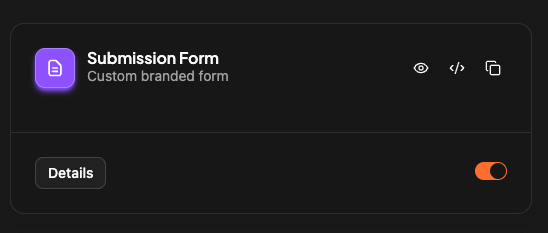
Simply click on “details” on the “submission form” card, and you can customize everything.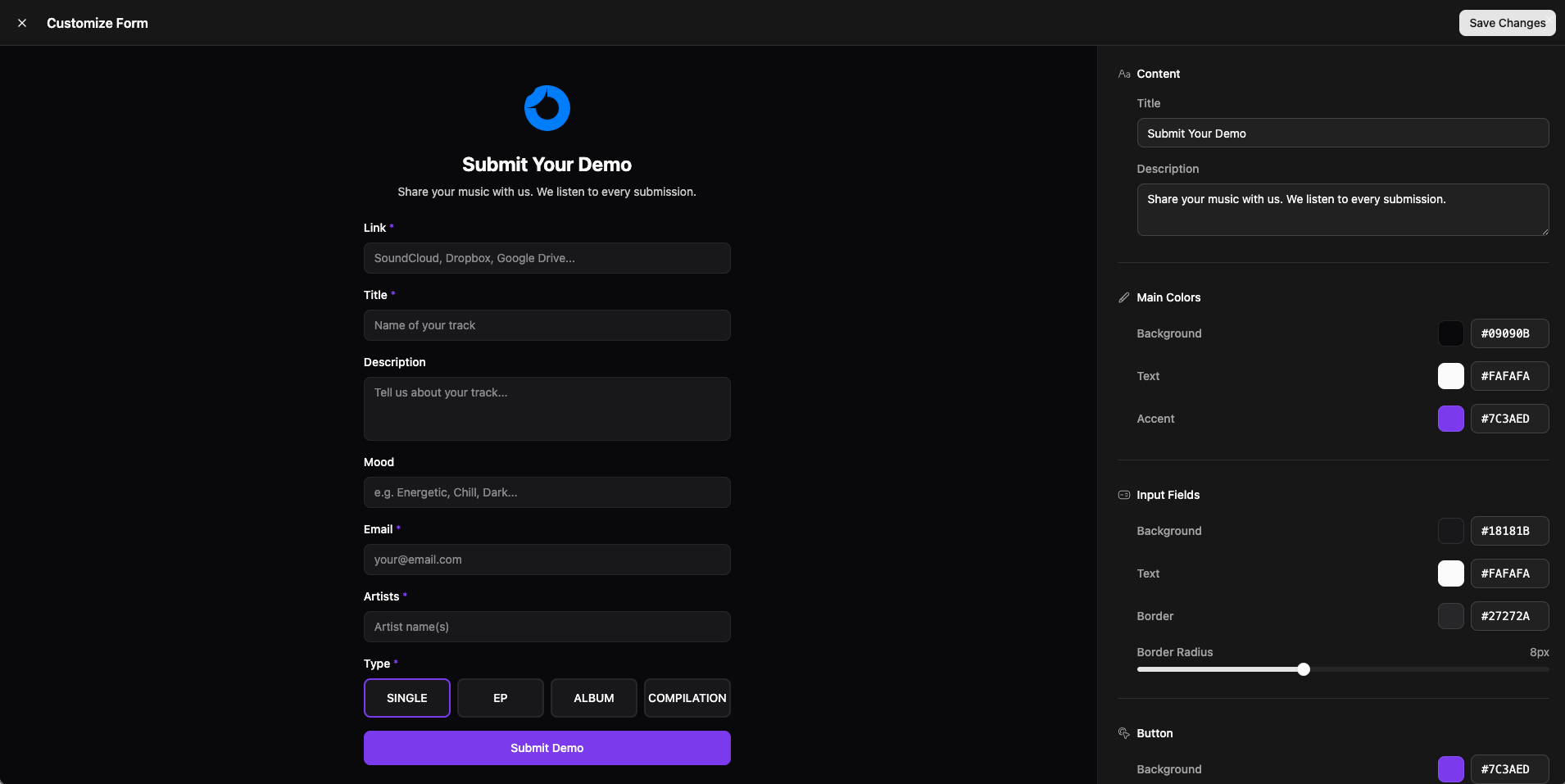
Where do I find the shareable link ?
On the “Submission Form” integration card, click on the last icon to copy the link :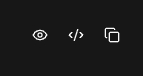
We provide a customizable form if needed