.png?fit=max&auto=format&n=rq0kUoDk0eeUZycF&q=85&s=da1ae6b31071dd0f938c836d90be8c66)
List your labels
To get the list of your labels, simply click on the “labels” section of the app sidebar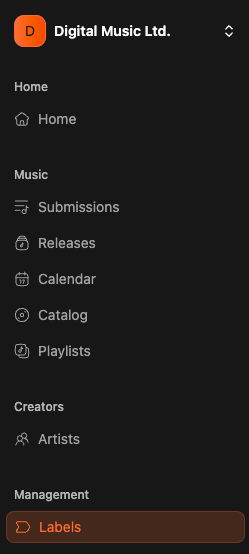
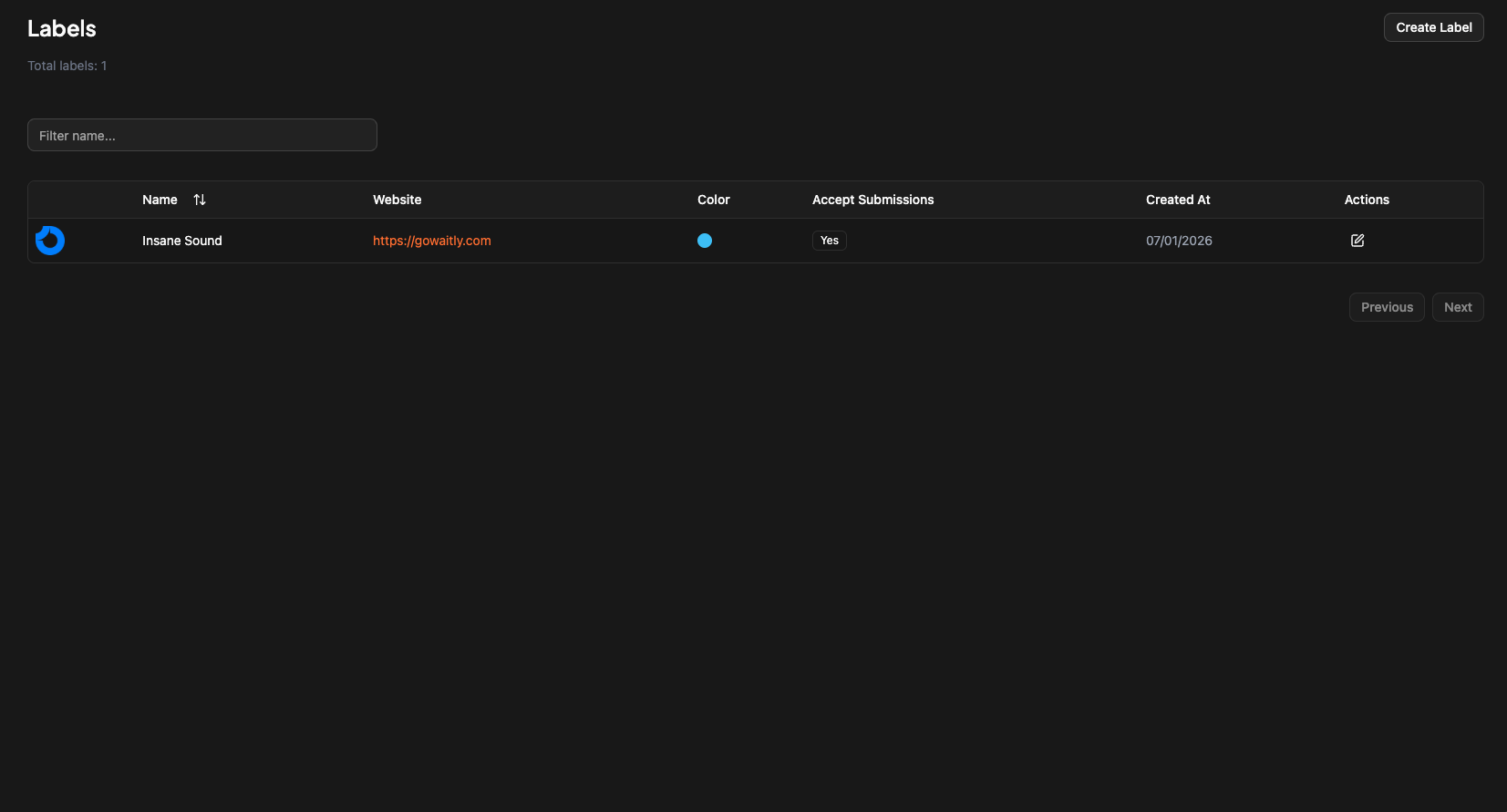
How to create a label
To create a label simply click on “Create label” button on top of the labels page.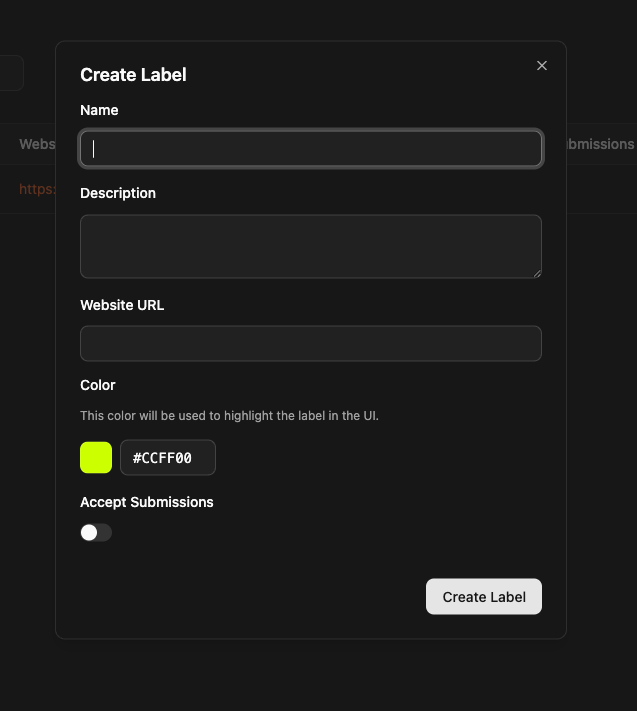
The color will be used to emphasis your label name on releases and submissions. It’s a visual indicator.