.png?fit=max&auto=format&n=rq0kUoDk0eeUZycF&q=85&s=da1ae6b31071dd0f938c836d90be8c66)
See my storage
You can find everything you storage in the “storages” section of the app sidebar.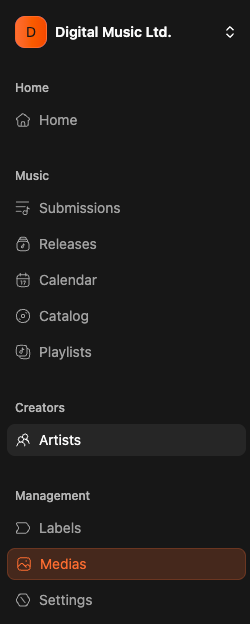
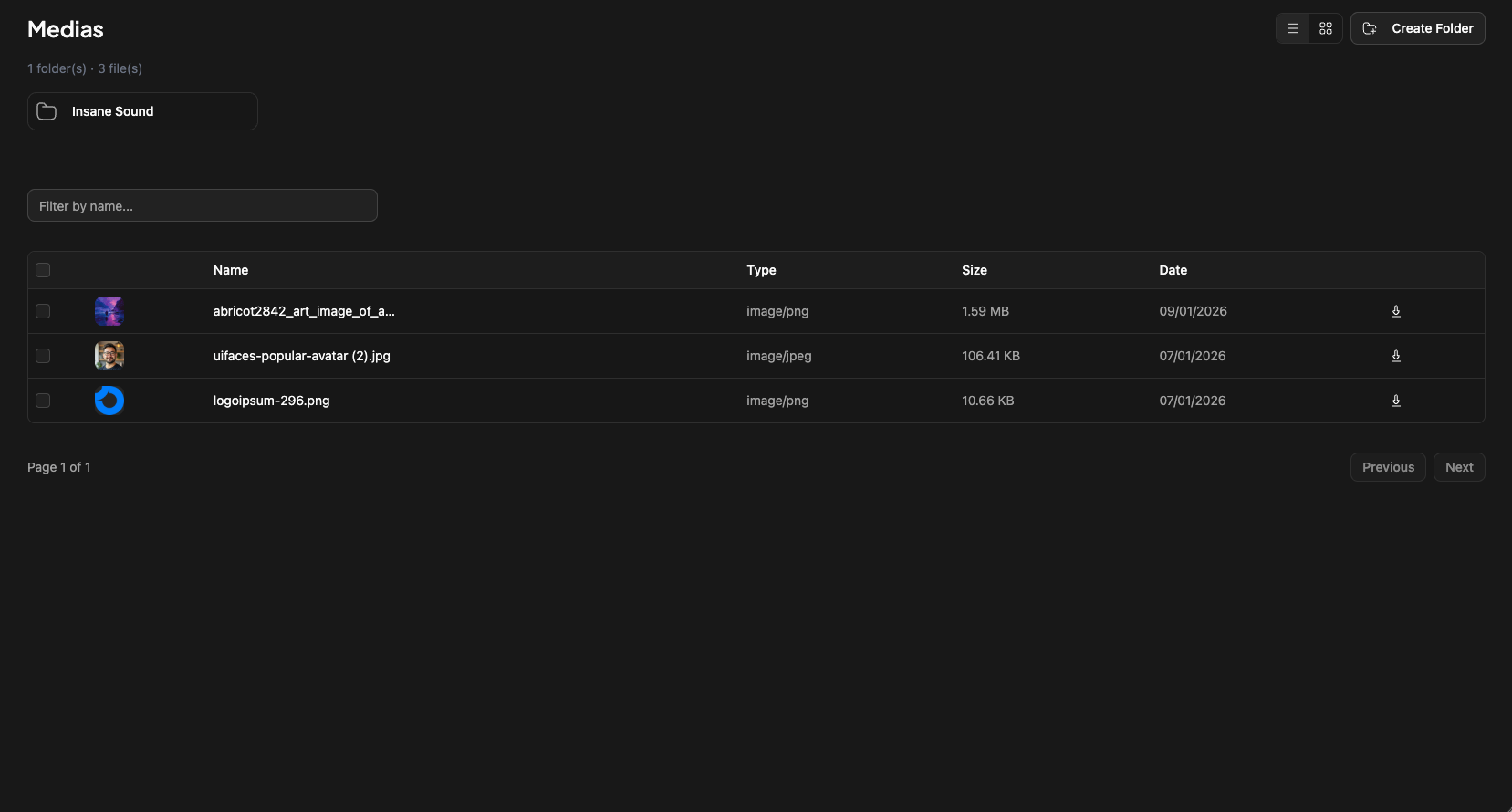
What if there are already some folders ?
It’s completely normal. We are automatically creating folders for each labels created on labelbase. And then in each labels, we are creating folders for each releases.How to create my own folder ?
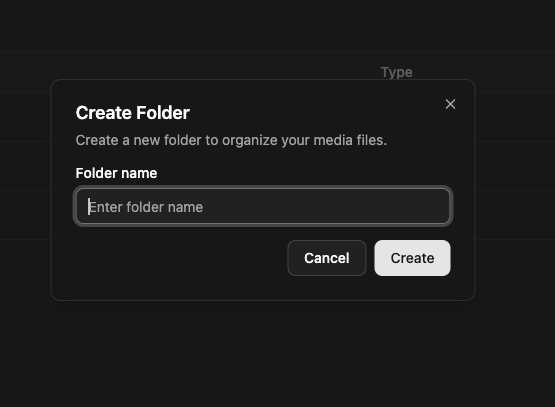
It’s easy. On the storage page, click “Create Folder” on top.