.png?fit=max&auto=format&n=rq0kUoDk0eeUZycF&q=85&s=da1ae6b31071dd0f938c836d90be8c66)
First : create a notion integration
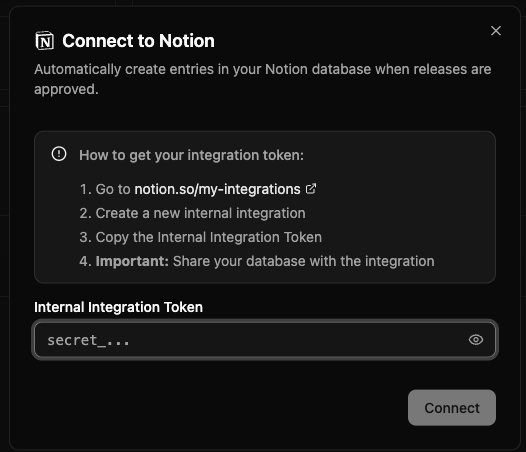
Go on https://www.notion.so/profile/integrations And click “New Integration”
Then : Setup your integration
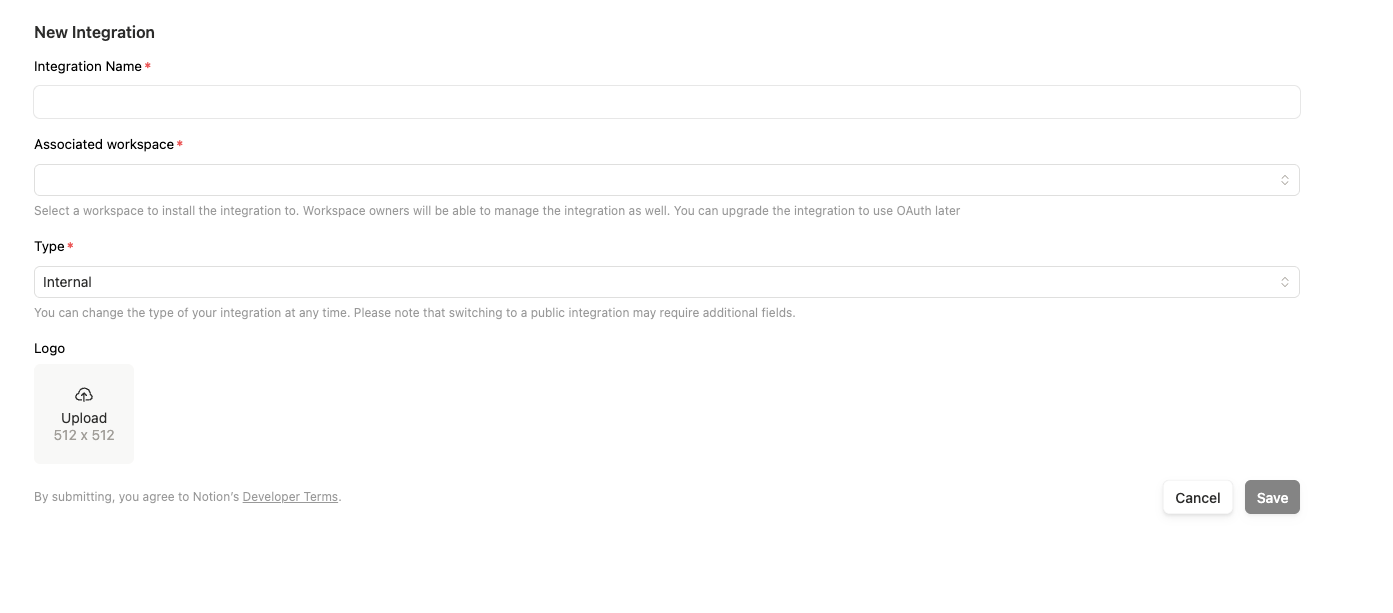
Adding a picture is not mandatory.
Get your secret key

We store it in our DB, but it will be encrypted. No one will be able to read it, including us.
Activate the notion integration
Go on your integrations on labelbase, select the label you want, and activate the integration