.png?fit=max&auto=format&n=rq0kUoDk0eeUZycF&q=85&s=da1ae6b31071dd0f938c836d90be8c66)
How many label can I create ?
As much as your plan handle.How to create a workspace
Simply click on your workspace logo :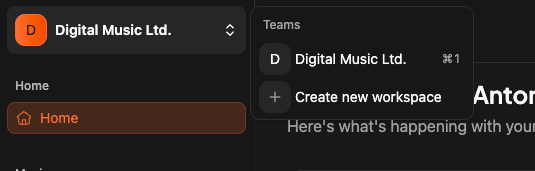
Updating my workspace
When you have selected a workspace, you click on “settings” item on the app sidebar.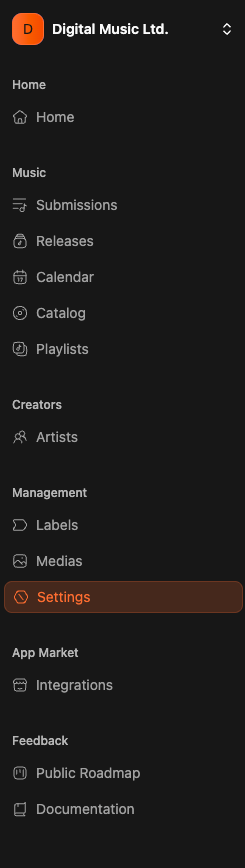
Tab 1 - members
Here you can manage your workspace members. Based on the plan you choose you will have more or less members slots.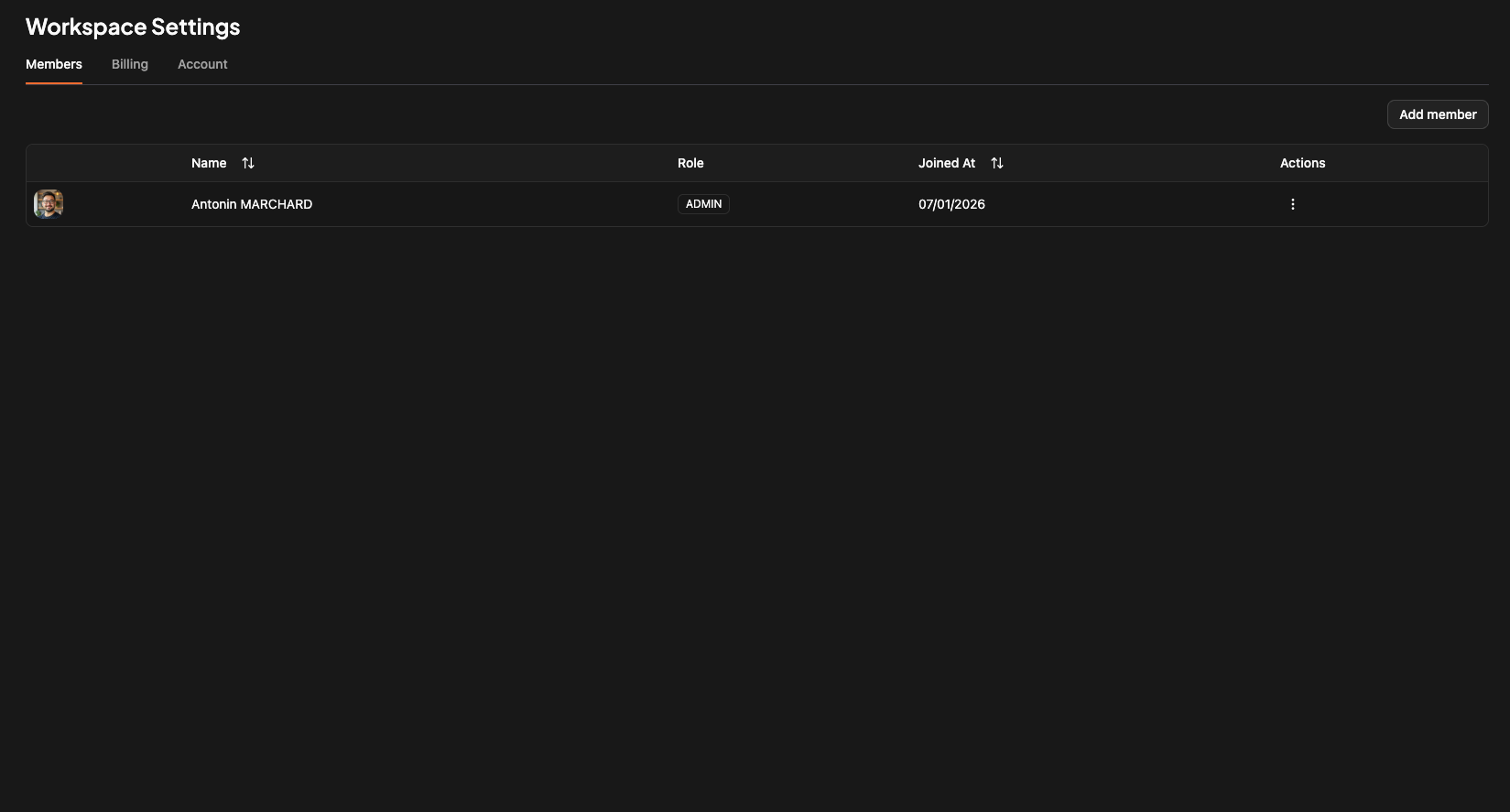
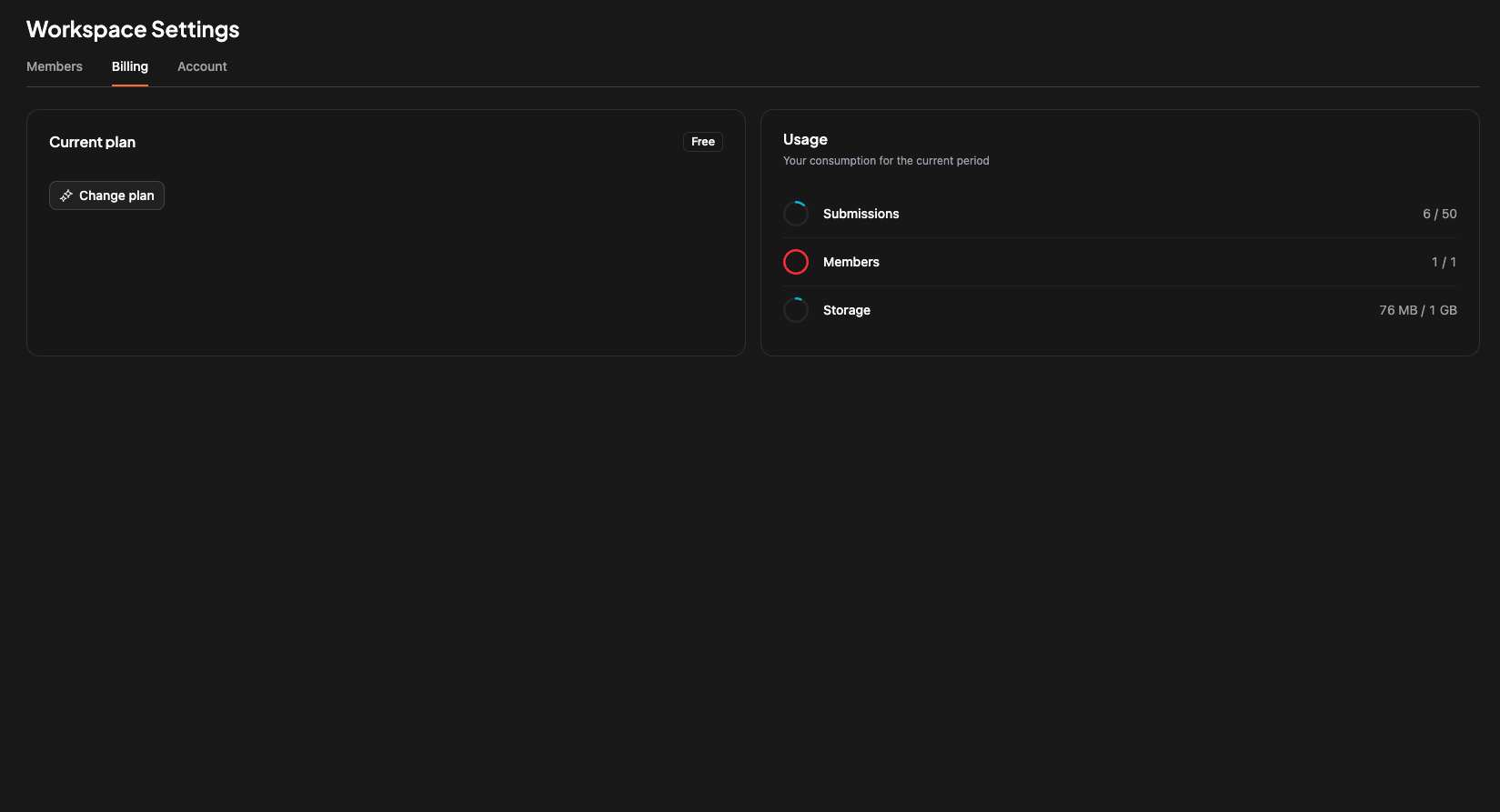
Tab 2 - billing informations
Everything related to billing and current usage regarding of your plan.We are using stripe as payment provider.
Tab 3 - Settings
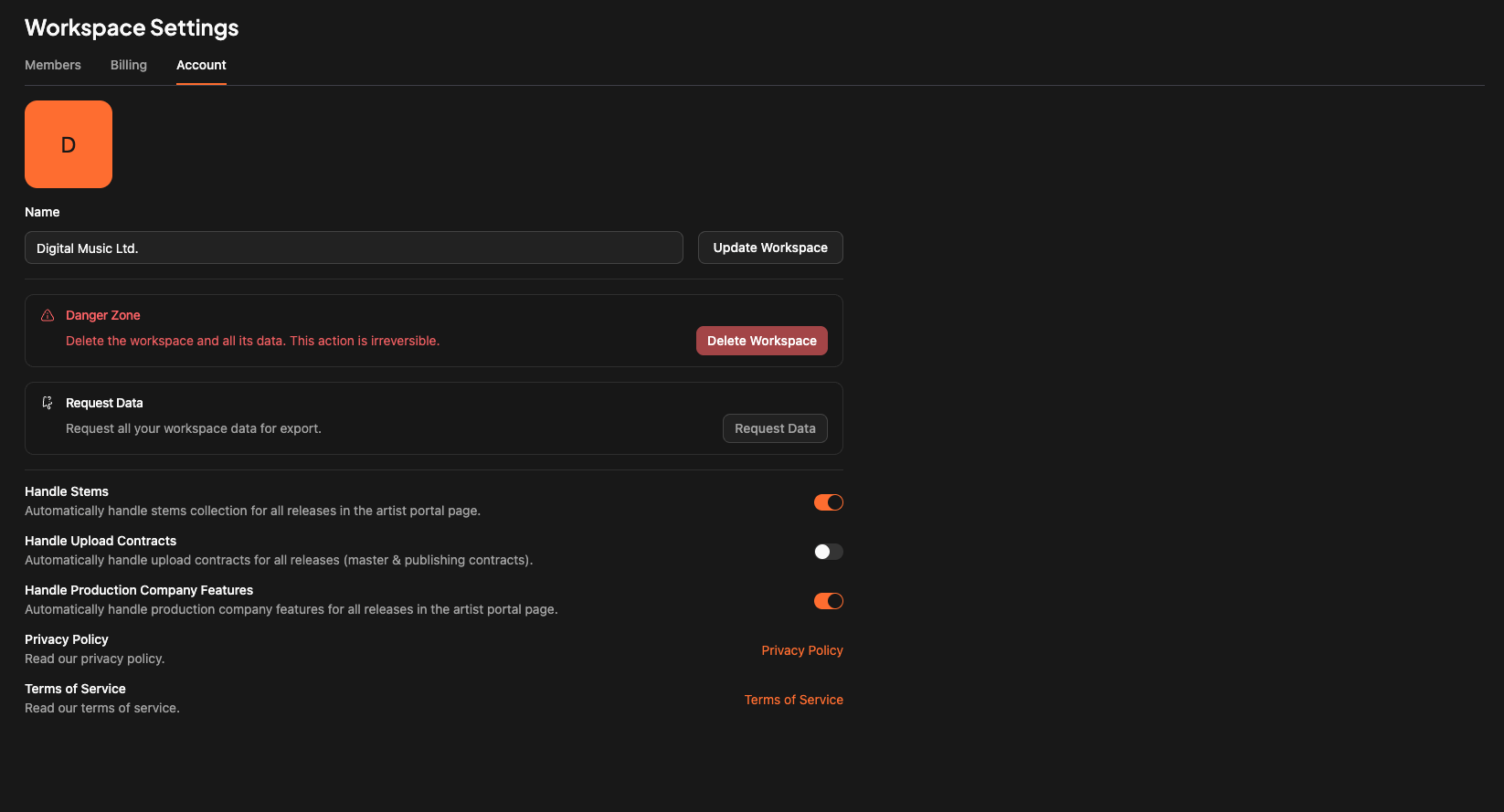
Here you can manage some infos :- Upload a workspace logo
- Change the workspace name
- Delete the workspace
- Ask for your Data (GDPR)
- And activate some features