.png?fit=max&auto=format&n=rq0kUoDk0eeUZycF&q=85&s=da1ae6b31071dd0f938c836d90be8c66)
Receiving submissions
You can receive submissions multiple way. You will find in the integration section.Managing submissions
You will find all your received submission in the Submission tab of the sidebar.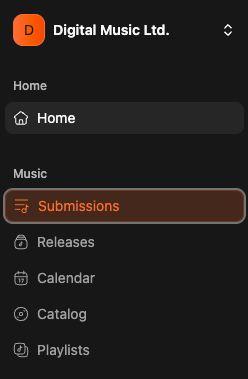
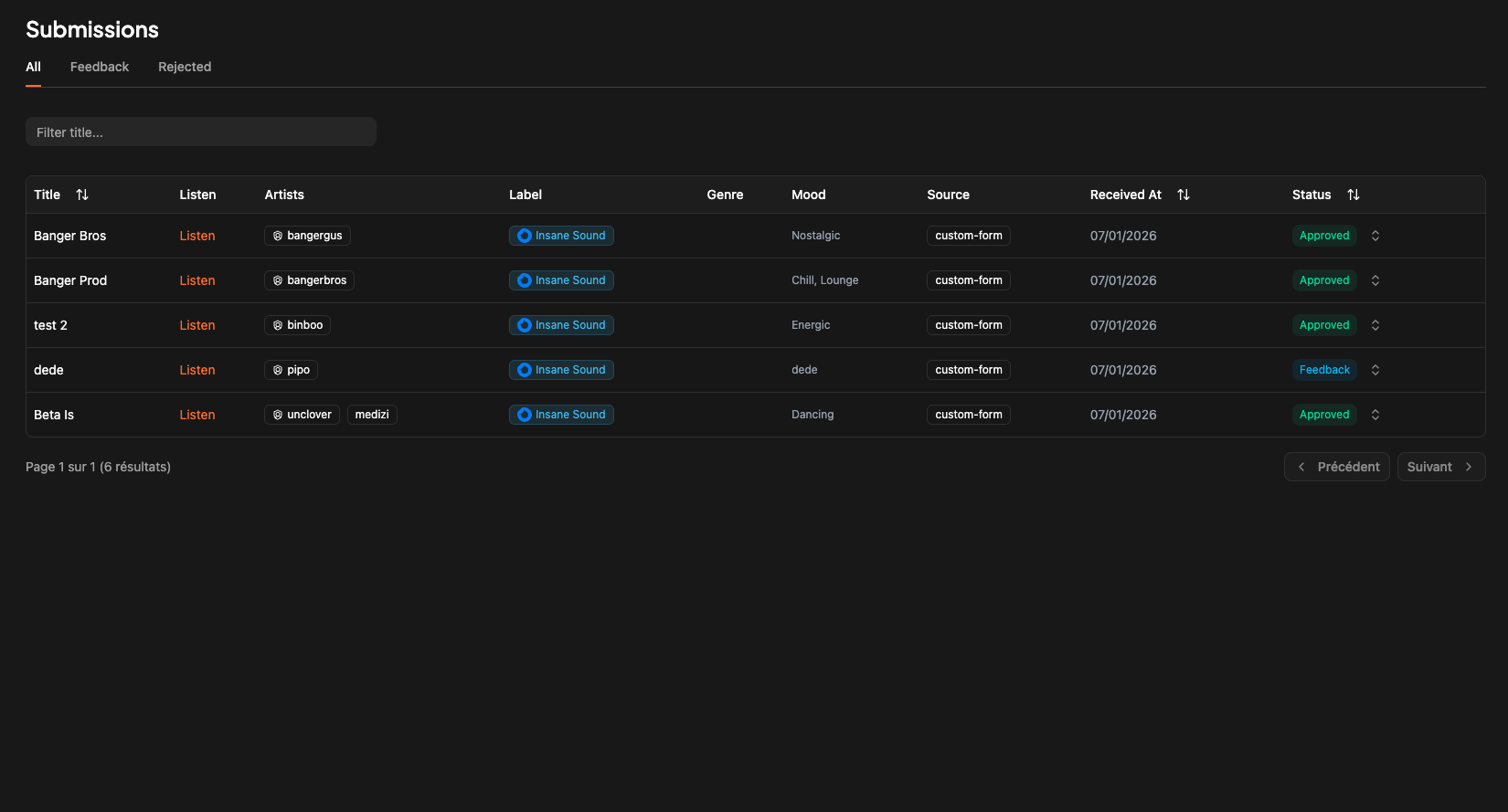
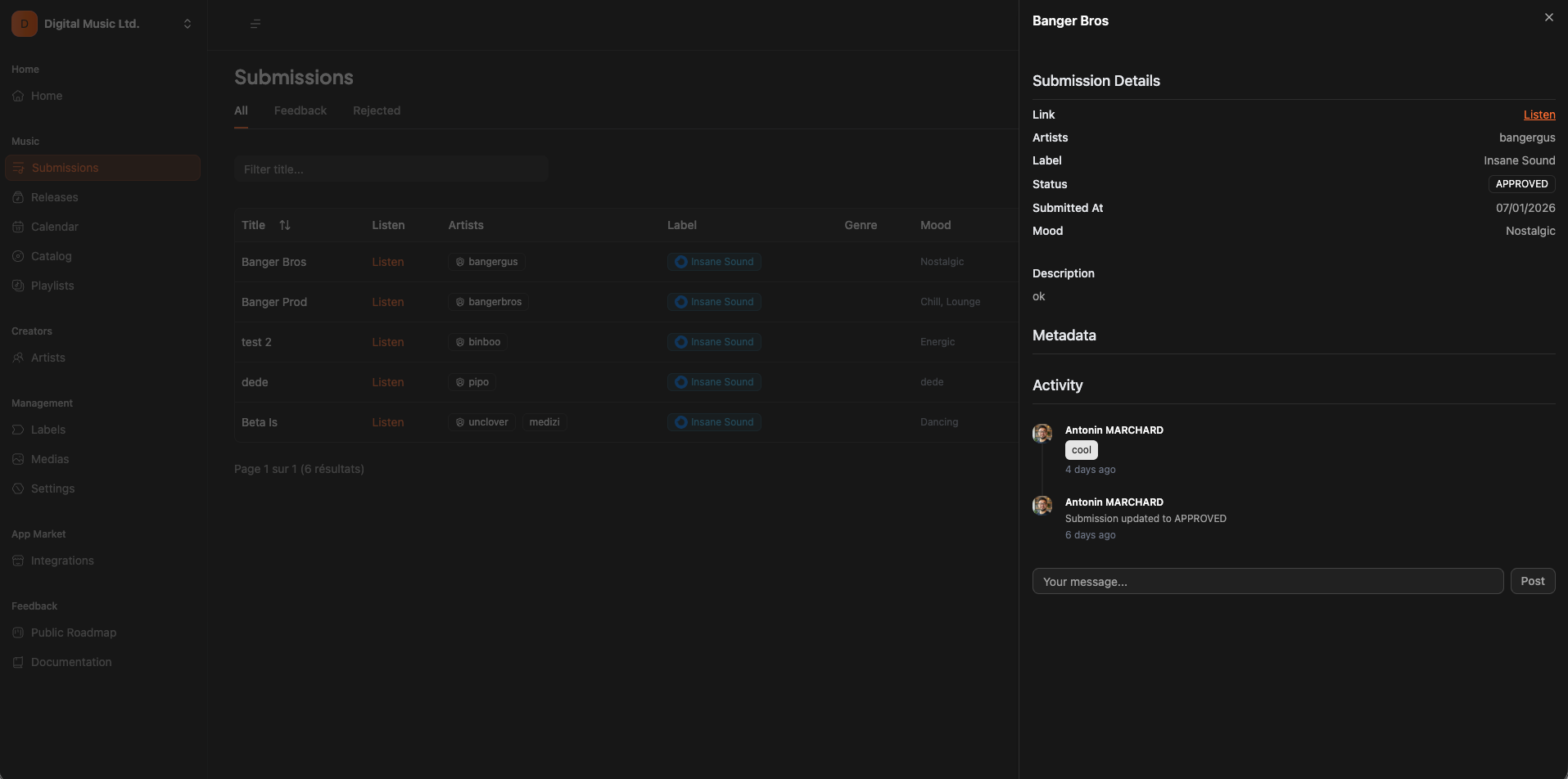
Accept/Decline a submission
To accept or decline a submission, simply click on the status of the submission and choose the status you want to update to.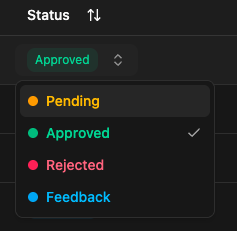
What happened when a submission is accepted ?
If you accept a submission, it will automatically :- Create a new release (you will find it on the release section of the app)
- Create an artist for each submission artists referred on the submission (if not already existing)