.png?fit=max&auto=format&n=rq0kUoDk0eeUZycF&q=85&s=da1ae6b31071dd0f938c836d90be8c66)
Playlists list
You can access your playlists by clicking on “playlists” item on the app sidebar.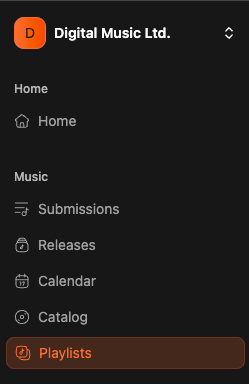
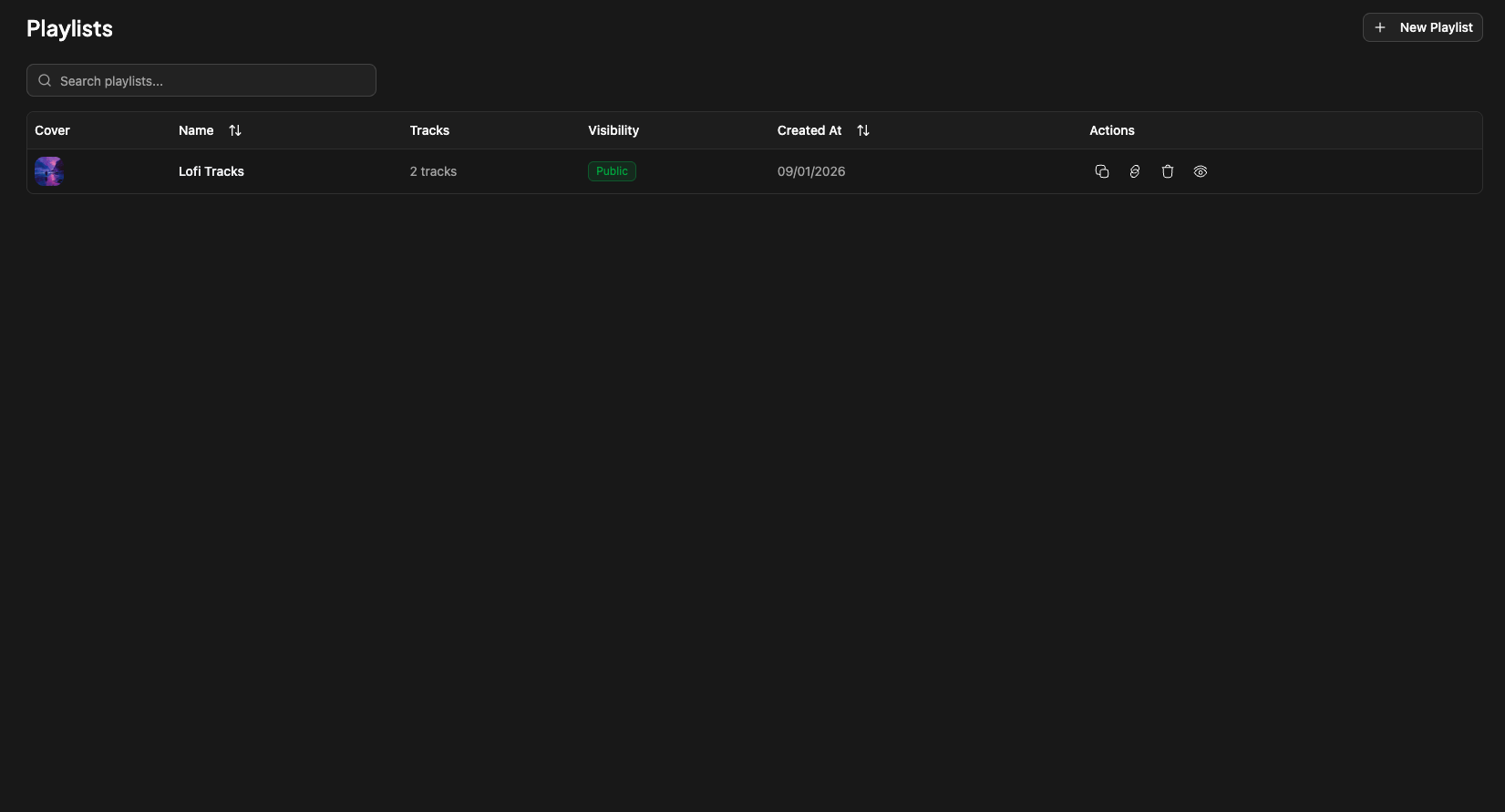
- cover (if uploaded)
- name
- number of tracks
- visibility (public/private)
- date of creation
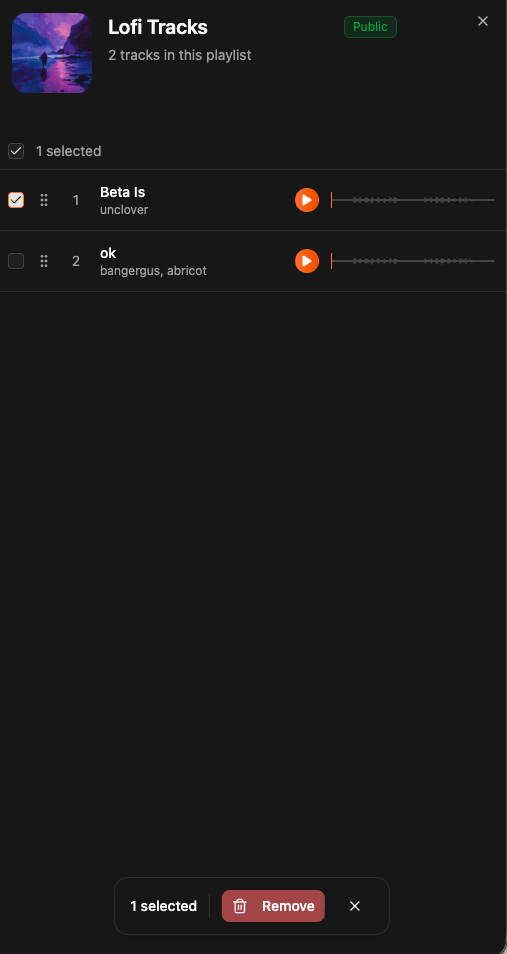
Playlist pannel
By clicking on the playlist title you will have a pannel opening Here you will find all tracks in the playlist. You can re-organize all your tracks order. You can also delete track by selecting them on ticking the checkboxes :
Uploading a playlist cover
You can upload a playlist cover by opening the playlist pannel, and clicking on the existing cover or placeholder and upload :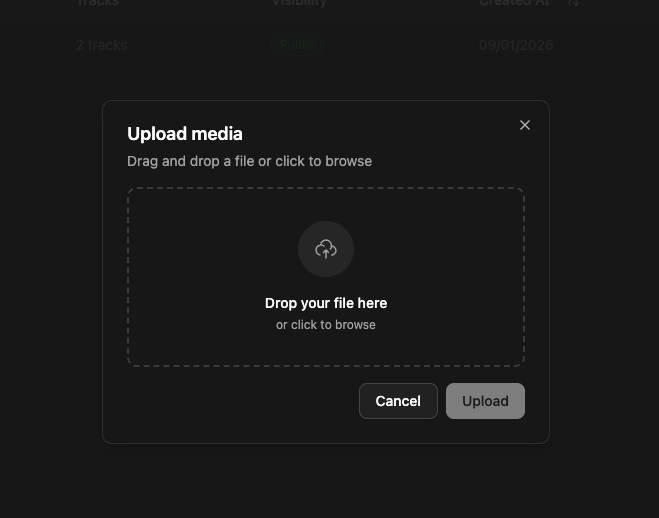
Public page
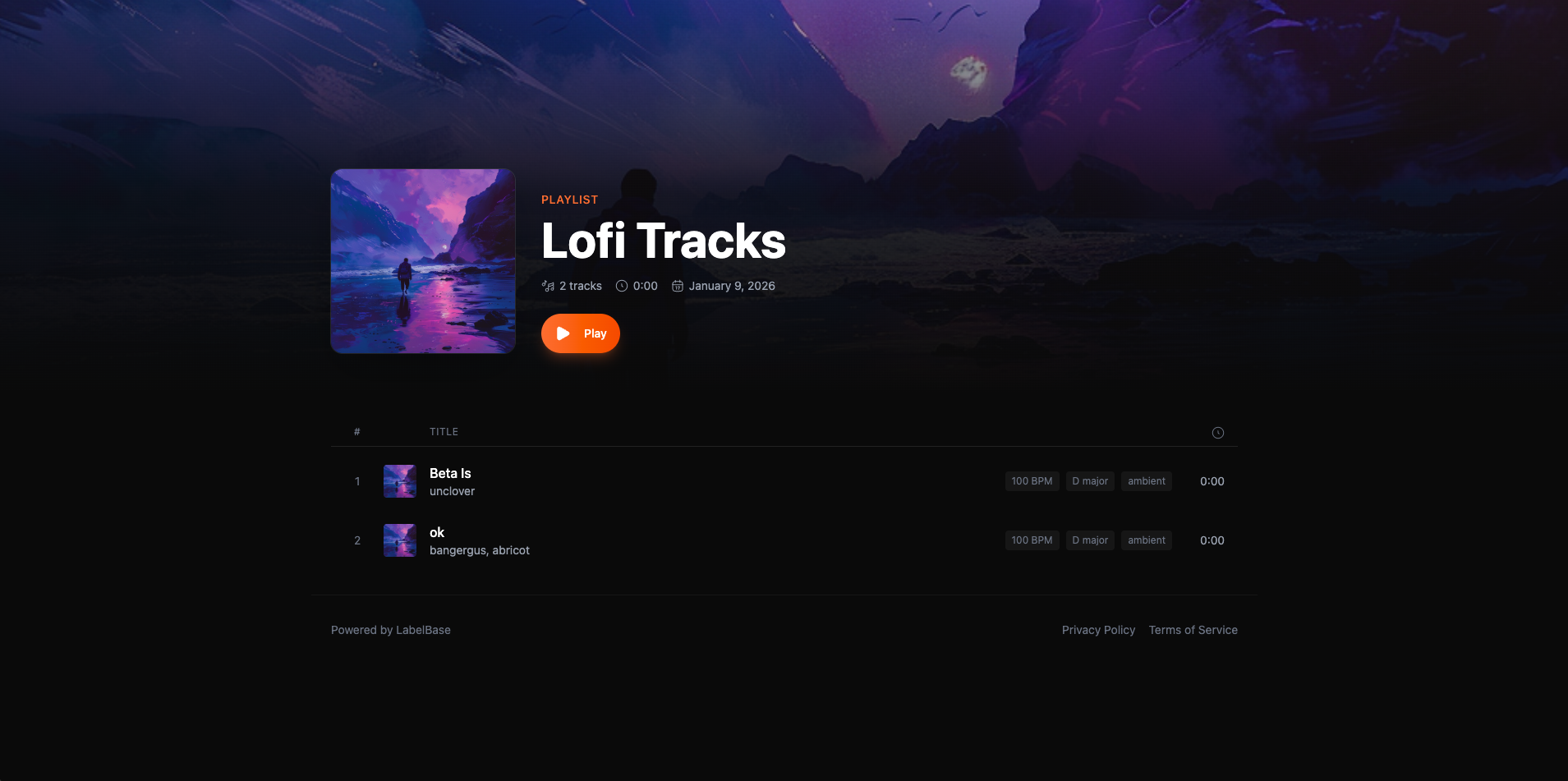
The playlist public page is automatically generated when creating a playlist and will look like this :