.png?fit=max&auto=format&n=rq0kUoDk0eeUZycF&q=85&s=da1ae6b31071dd0f938c836d90be8c66)
Browsing your artists
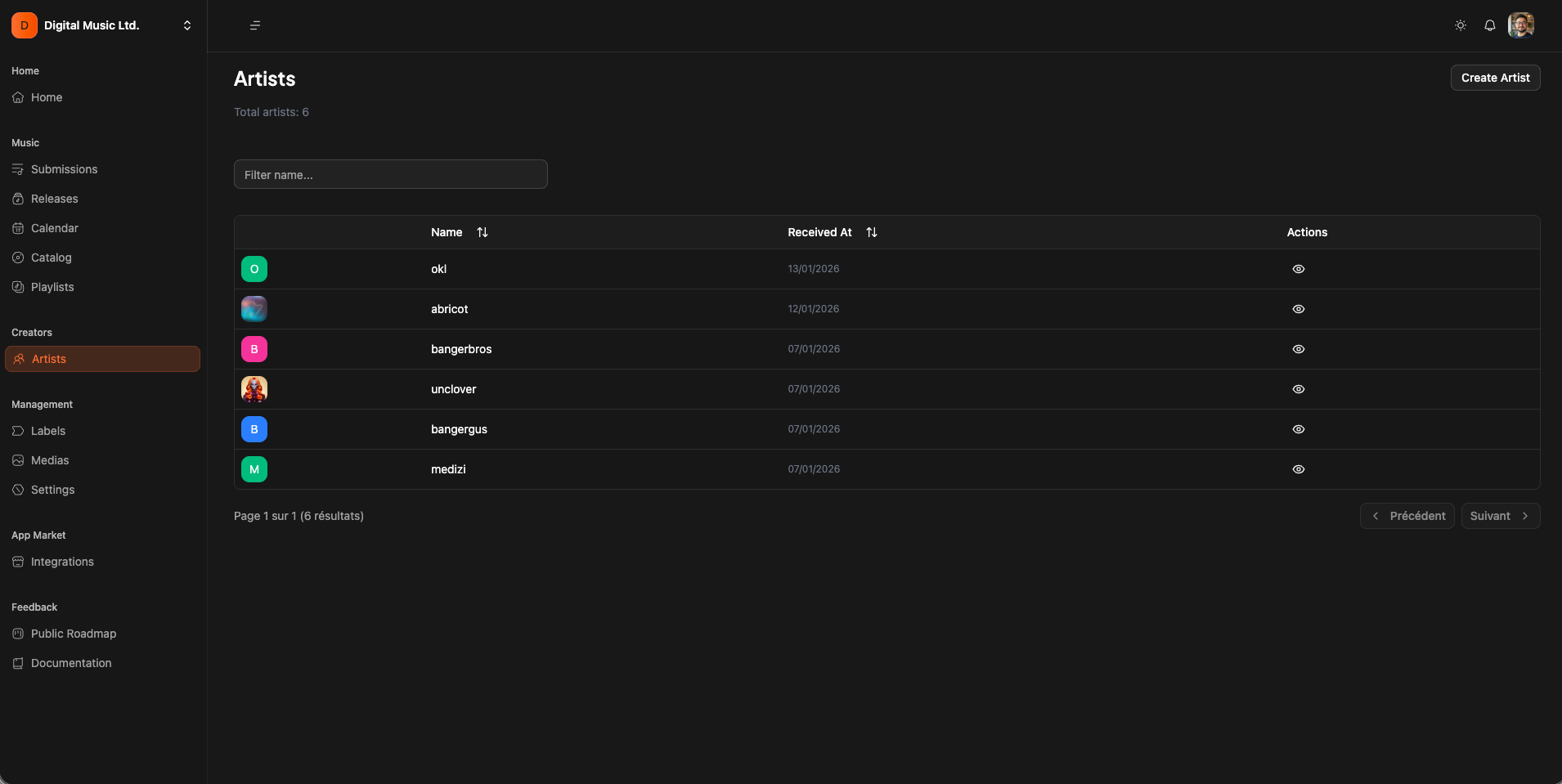
You will find all your artists by clicking on “artists” item on the app sidebar.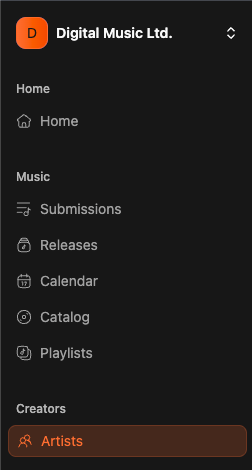
Creating an artist
Sometimes, you want to create an artist, for an alias or other use cases. Simply click on “Create artist”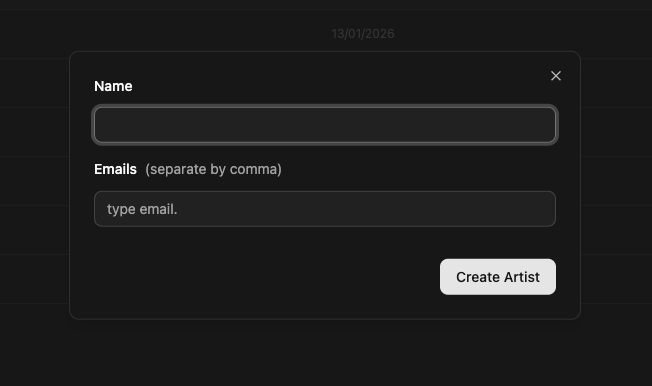
Everything regarding artists