.png?fit=max&auto=format&n=rq0kUoDk0eeUZycF&q=85&s=da1ae6b31071dd0f938c836d90be8c66)
The release page
The release page is the following :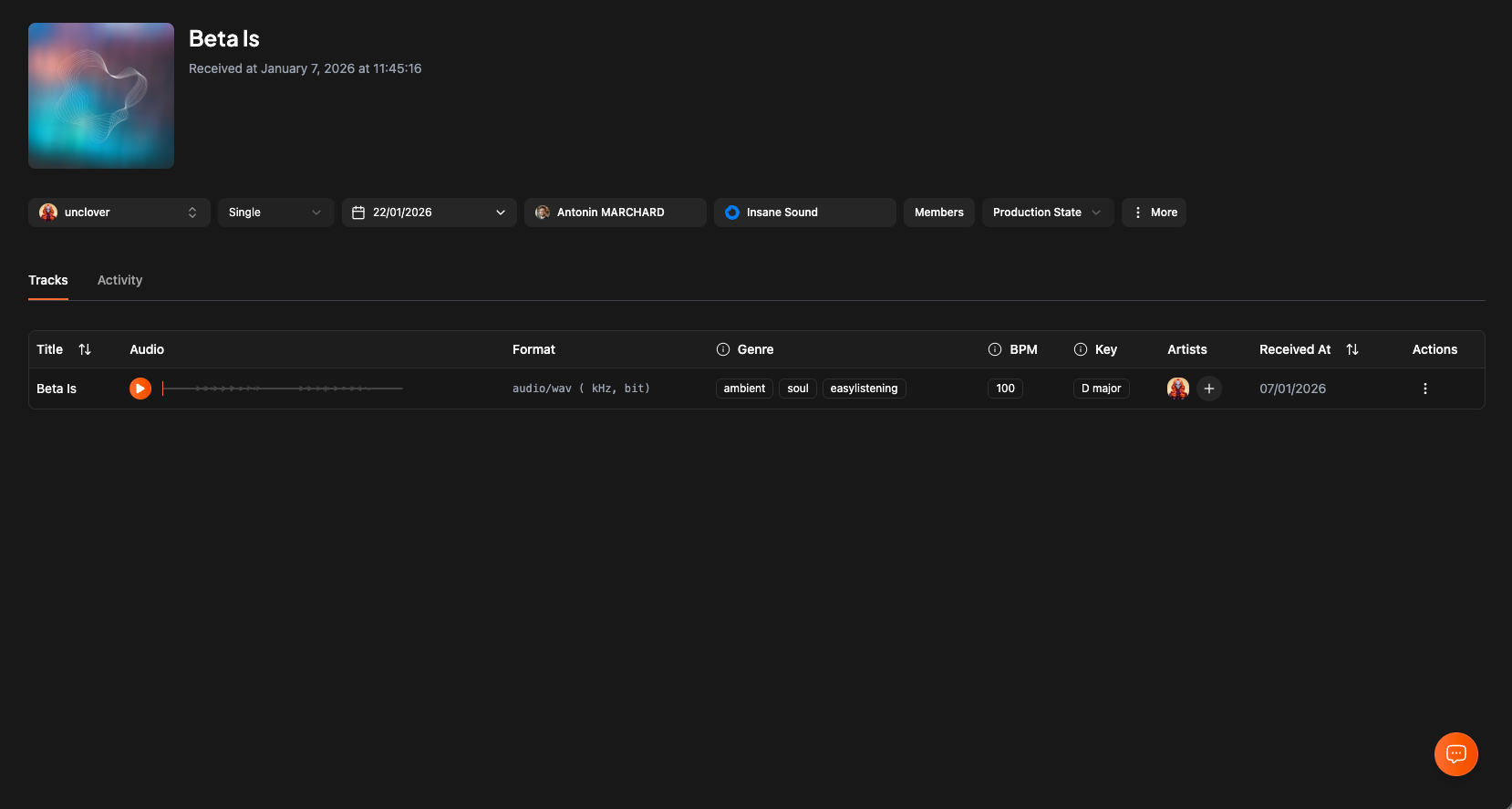
Updating the release cover
To upload a cover for the release, simply click on the image (or empty image placeholder) and upload your media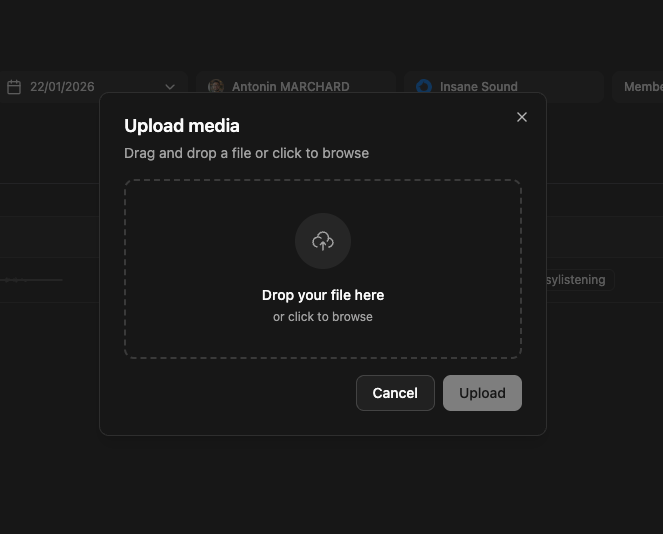
Updating infos
You will find a bar of different actions
- Artist assigned to the release
- Release type (EP, Single, Album, Compilation…)
- Release Date
- Release Owner (The person in your workspace in charge of this release)
- The label of the release
- Members of the release (In case you want to invite the manager, other artists etc…)
Clicking on …more
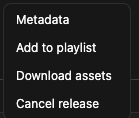
- Updating metadata
- Add to a playlist
- Downlaod all assets
- Cancel a release
Inviting release members
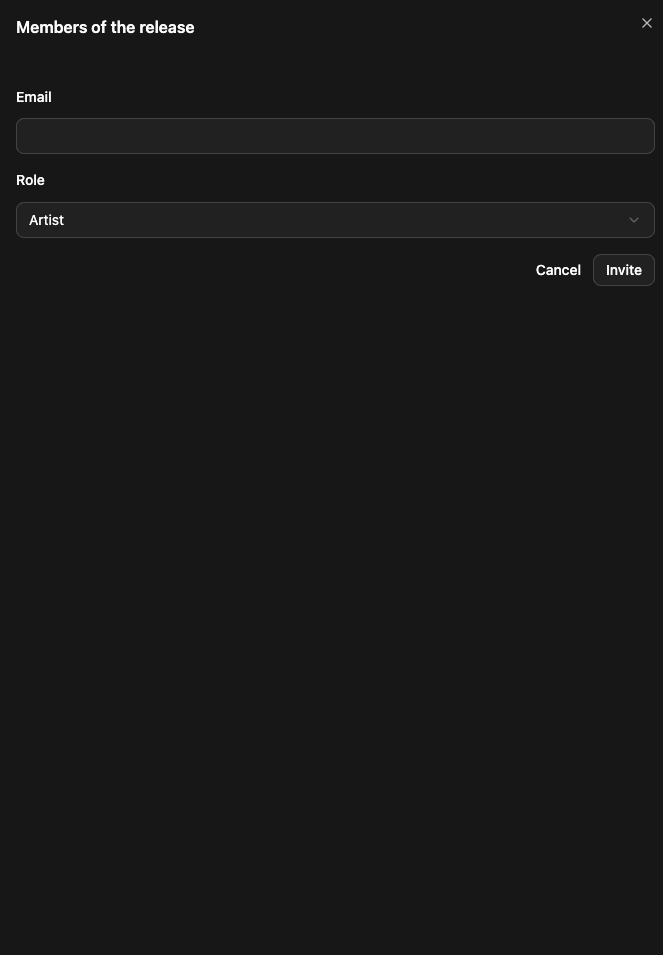
By inviting release members here