.png?fit=max&auto=format&n=rq0kUoDk0eeUZycF&q=85&s=da1ae6b31071dd0f938c836d90be8c66)
Release list
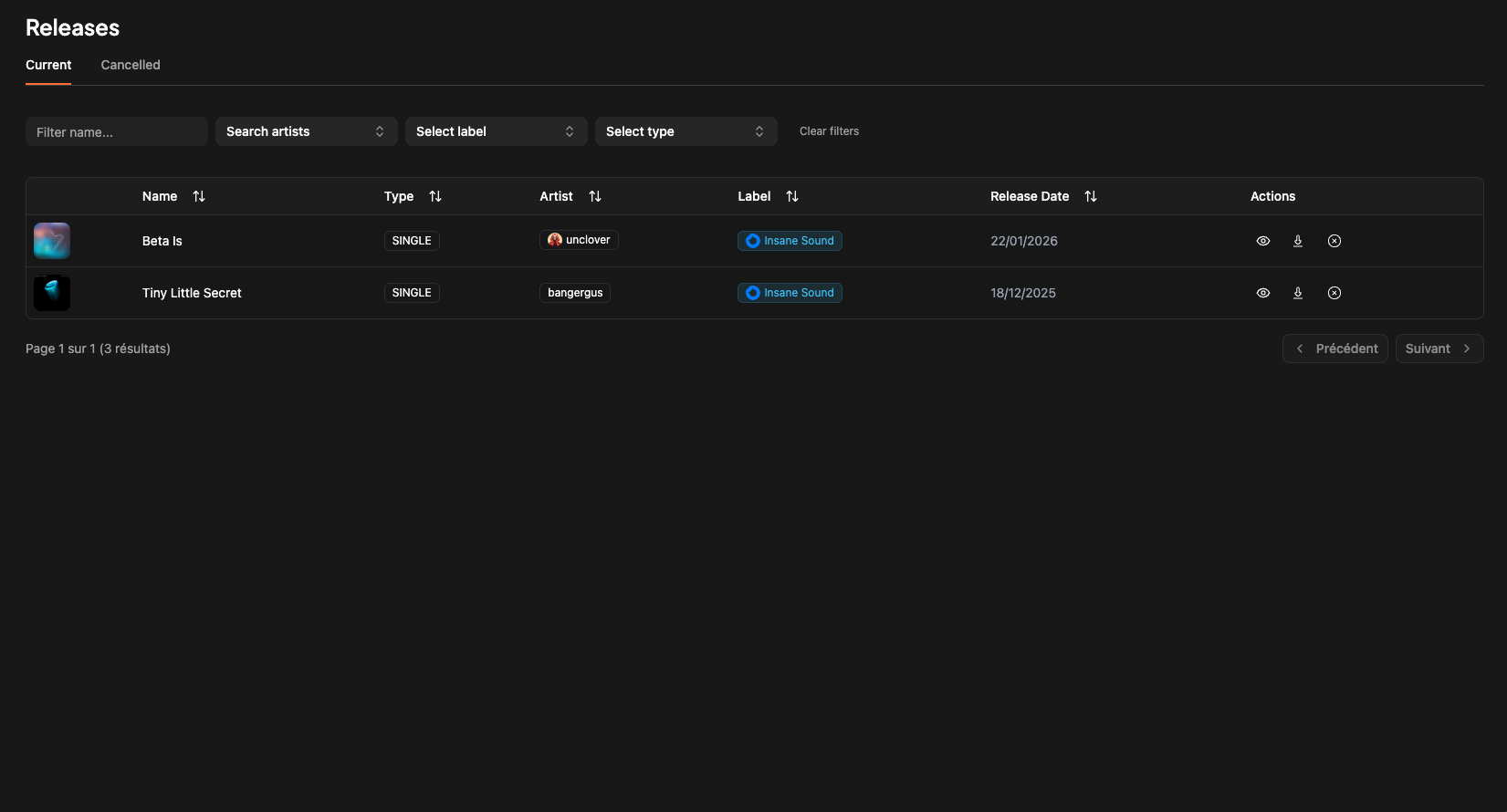
You will find all your releases in the “releases” section of the app sidebar. Then you will have a list of all your release with different filters to filter them as you want (name, artists, labels, type etc.)
You will find all informations regarding release management
Then you will have a list of all your release with different filters to filter them as you want (name, artists, labels, type etc.)