> ## Documentation Index
> Fetch the complete documentation index at: https://docs.labelbase.co/llms.txt
> Use this file to discover all available pages before exploring further.
# My Own website form
> Read this if you want to keep your website form
# Activate the integration
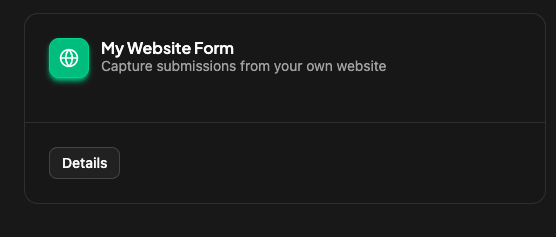
Go on the integration section of the app, choose the label you want and activate the integration called "My own website form"
 ## Install the script
Go on your website `head` html tag. And add the script you will have on the details of the integration card script :
```
```
Replace data-form with the id of your form. Also replace your data-api-key with a key you will get on your dashboard.
## Allowed Domains
This section is very important to handle your website to send data to labelbase.
## Install the script
Go on your website `head` html tag. And add the script you will have on the details of the integration card script :
```
```
Replace data-form with the id of your form. Also replace your data-api-key with a key you will get on your dashboard.
## Allowed Domains
This section is very important to handle your website to send data to labelbase.