> ## Documentation Index
> Fetch the complete documentation index at: https://docs.labelbase.co/llms.txt
> Use this file to discover all available pages before exploring further.
# Discord Bot
> Connect your discord server with our bot to receive submissions
### Activate the app
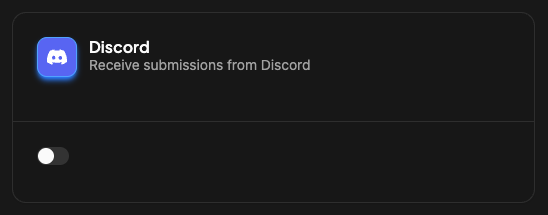
First of all, go to your integrations on LabelBase, choose a label, and activate the Discord app.
 ### Follow the instructions
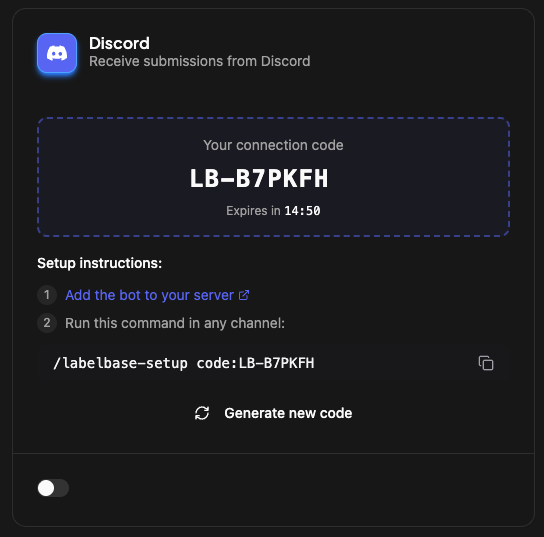
 This will first, install the bot on your server, and connect it to your label.
### How to send a submission to LabelBase ?
When you receive a submission, in any channel, just right click on the submission (link, message etc...), choose "App" > "Send to LabelBase"
This will first, install the bot on your server, and connect it to your label.
### How to send a submission to LabelBase ?
When you receive a submission, in any channel, just right click on the submission (link, message etc...), choose "App" > "Send to LabelBase"
 ### Prompt the artist
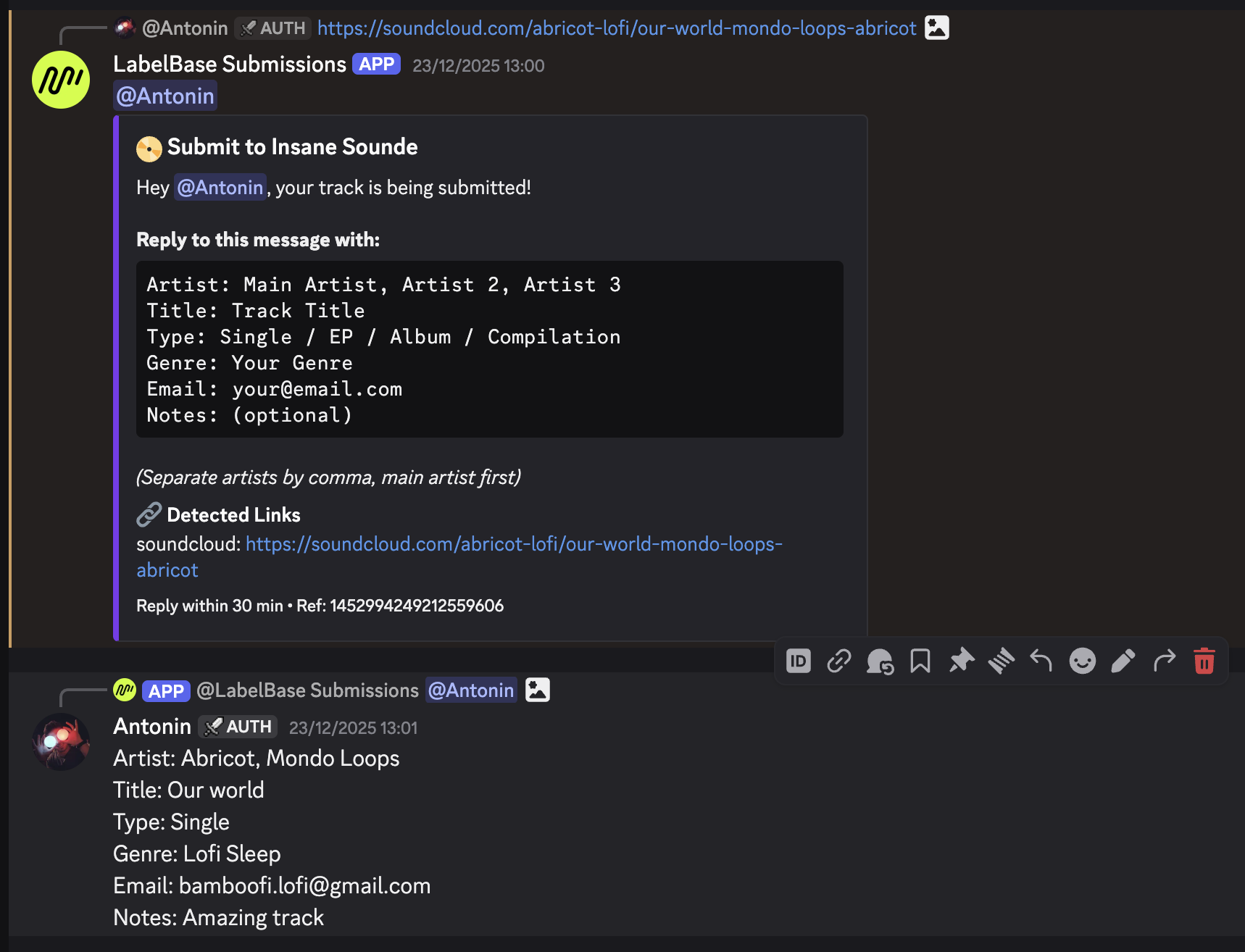
LabelBase Bot will automatically prompt the artist to collect mandatory infos for the submission.
### Prompt the artist
LabelBase Bot will automatically prompt the artist to collect mandatory infos for the submission.
 ### Confirmation
When received, the bot will send a confirmation message.
### Confirmation
When received, the bot will send a confirmation message.
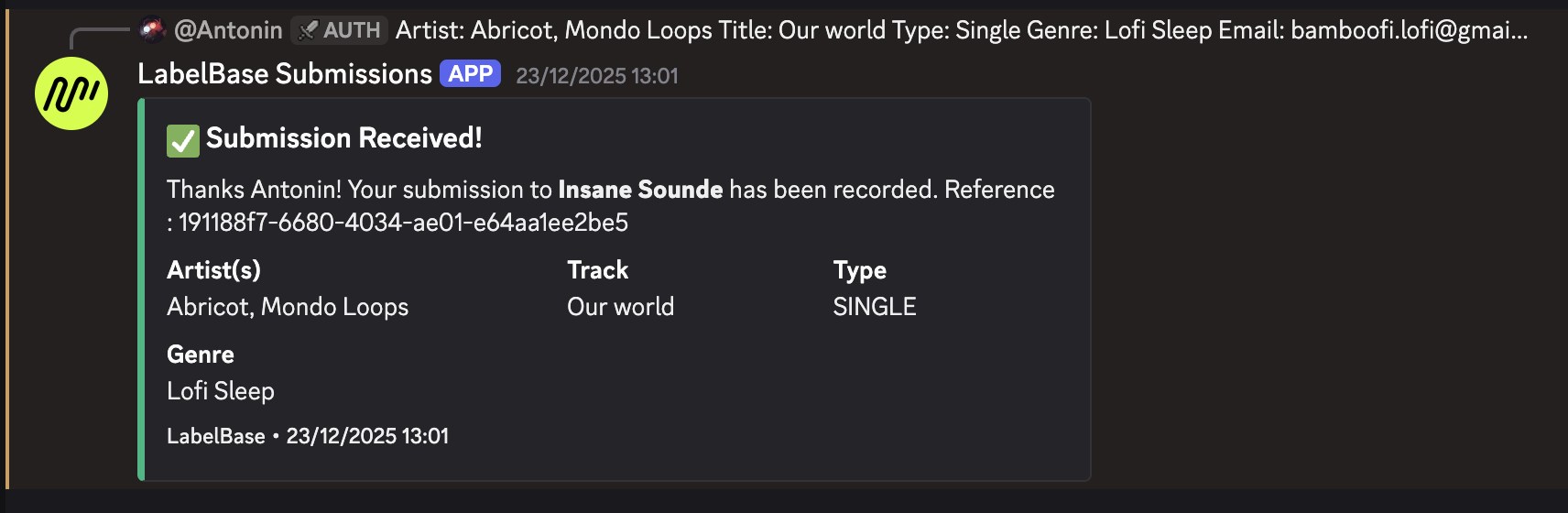 The submission will be available in LabelBase. You can manage it.
### Ticketing tool
> If you are using a ticketing tool for your submission, you'll need to grant access to created channel to the LabelBase bot. So the bot will be automatically added to any created channel by the ticketing tool.
The submission will be available in LabelBase. You can manage it.
### Ticketing tool
> If you are using a ticketing tool for your submission, you'll need to grant access to created channel to the LabelBase bot. So the bot will be automatically added to any created channel by the ticketing tool.