> ## Documentation Index
> Fetch the complete documentation index at: https://docs.labelbase.co/llms.txt
> Use this file to discover all available pages before exploring further.
# Workspaces
> Everything regarding workspaces
On labelbase, we are workspace based. It means, a workspace is a secured space for all your labels. It's like the big company managing all your labels.
# How many label can I create ?
As much as your plan handle.
# How to create a workspace
Simply click on your workspace logo :
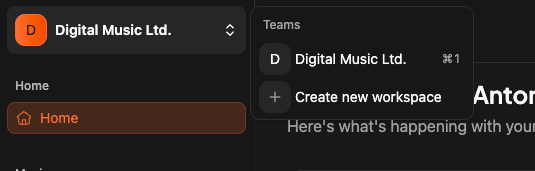 Click "Create workspace" and follow instructions.
Each workspace has it own billing system. We are billing on each workspace you are creating. Of course we have a free tier if needed.
# Updating my workspace
When you have selected a workspace, you click on "settings" item on the app sidebar.
Click "Create workspace" and follow instructions.
Each workspace has it own billing system. We are billing on each workspace you are creating. Of course we have a free tier if needed.
# Updating my workspace
When you have selected a workspace, you click on "settings" item on the app sidebar.
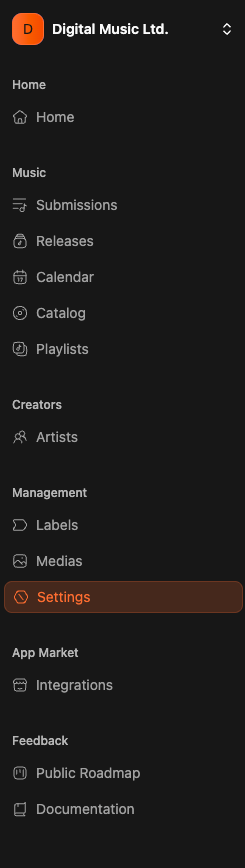 Here you will have 3 tabs
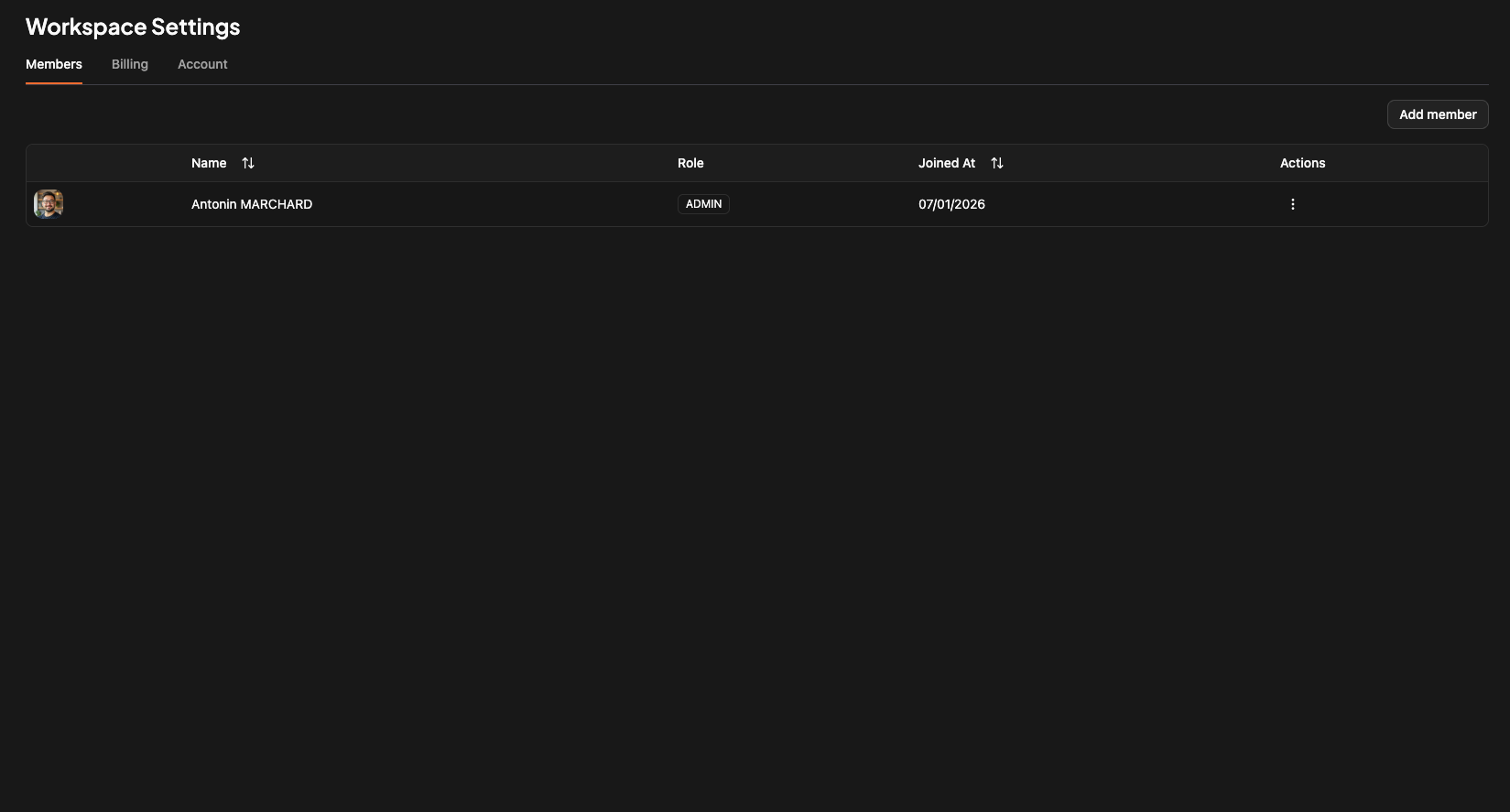
## Tab 1 - members
Here you can manage your workspace members. Based on the plan you choose you will have more or less members slots.
Here you will have 3 tabs
## Tab 1 - members
Here you can manage your workspace members. Based on the plan you choose you will have more or less members slots.
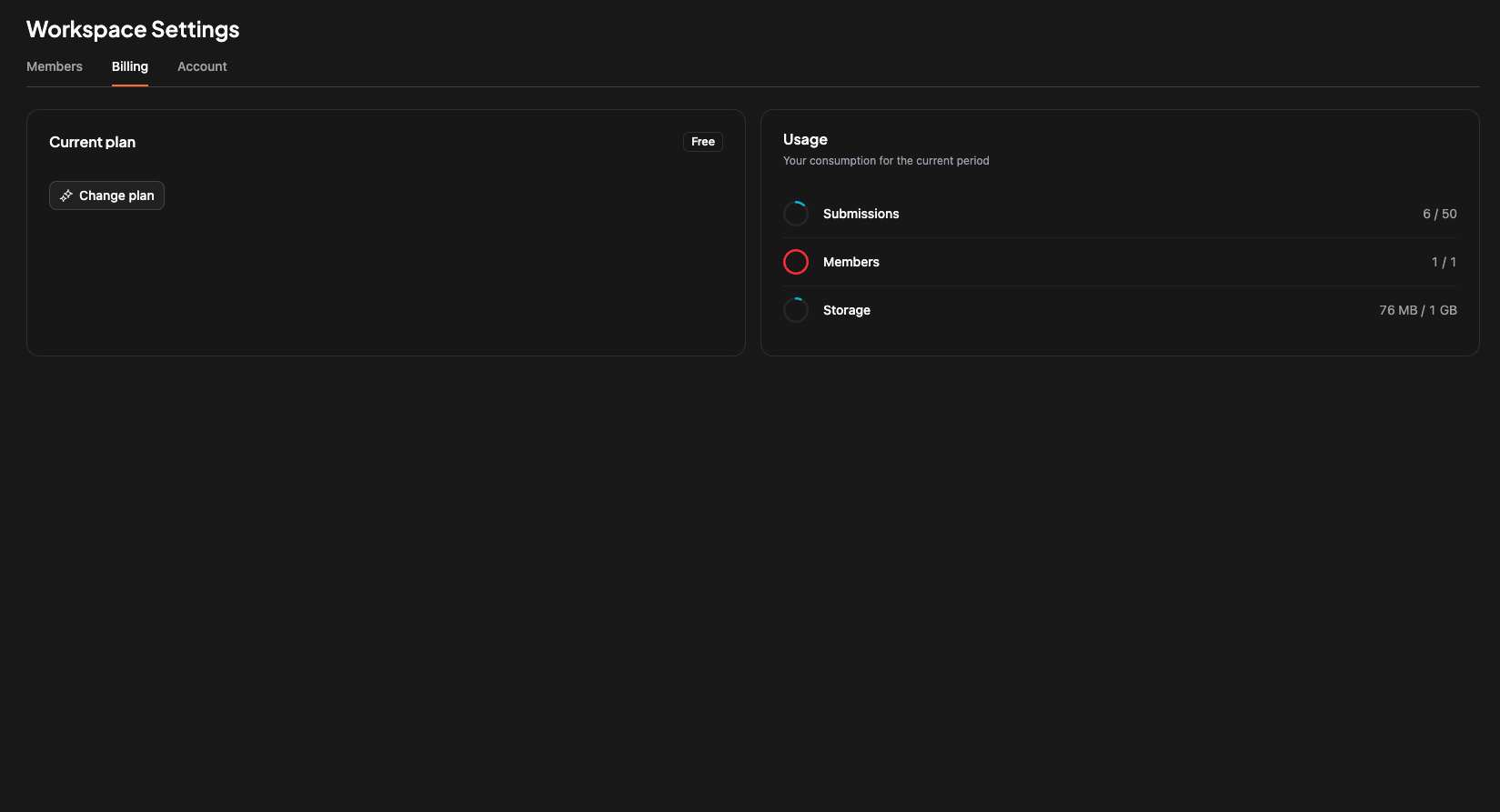
 ## Tab 2 - billing informations
Everything related to billing and current usage regarding of your plan.
We are using stripe as payment provider.
## Tab 2 - billing informations
Everything related to billing and current usage regarding of your plan.
We are using stripe as payment provider.
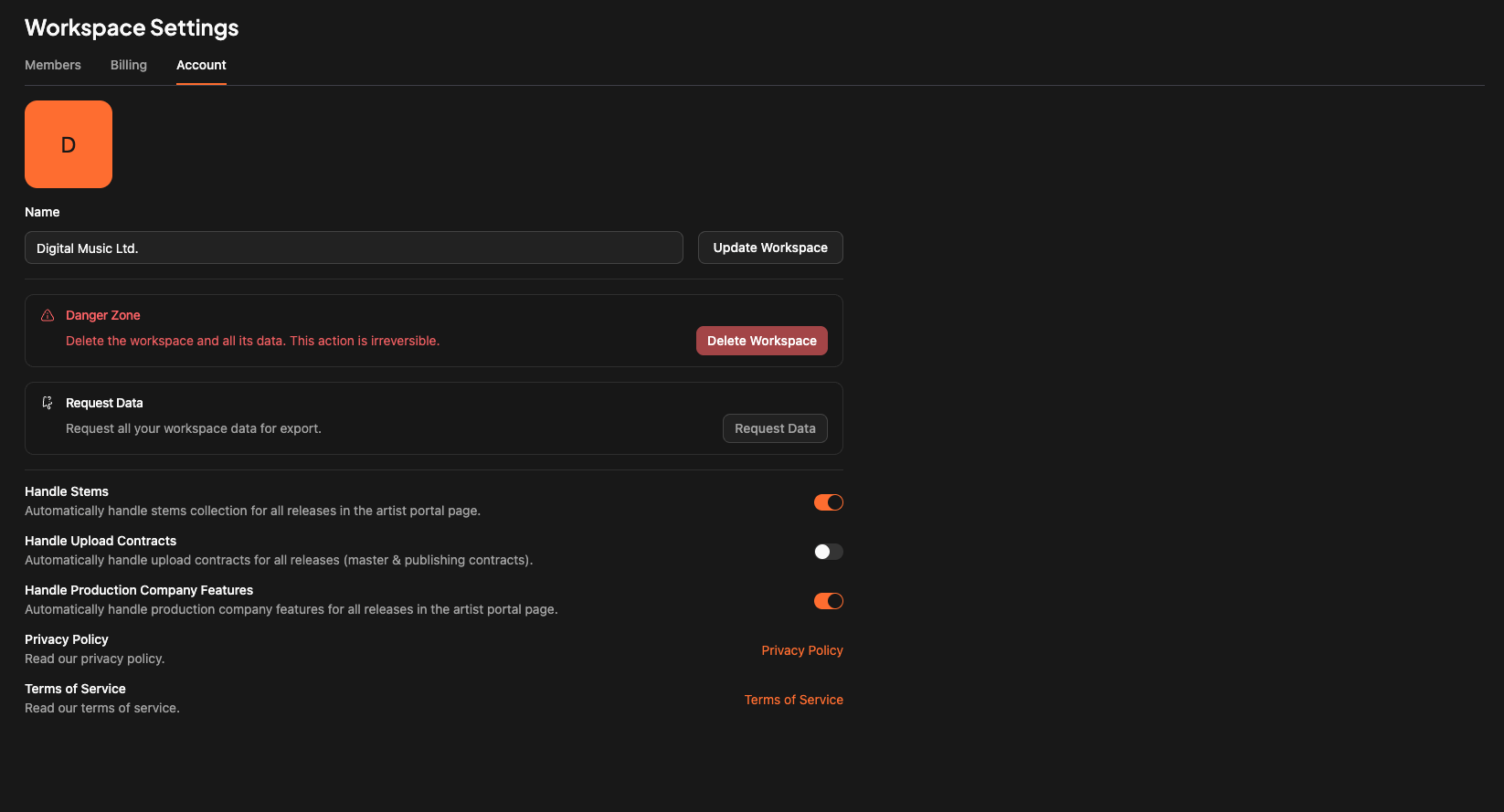
 ## Tab 3 - Settings
Here you can manage some infos :
* Upload a workspace logo
* Change the workspace name
* Delete the workspace
* Ask for your Data (GDPR)
* And activate some features
## Tab 3 - Settings
Here you can manage some infos :
* Upload a workspace logo
* Change the workspace name
* Delete the workspace
* Ask for your Data (GDPR)
* And activate some features