> ## Documentation Index
> Fetch the complete documentation index at: https://docs.labelbase.co/llms.txt
> Use this file to discover all available pages before exploring further.
# Submissions
> You'll find all informations regarding submissions and submissions management
# Receiving submissions
You can receive submissions multiple way. You will find in the integration section.
# Managing submissions
You will find all your received submission in the Submission tab of the sidebar.
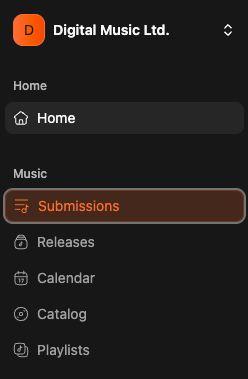 Their you will be redirect to a page containing a list of your received submisisons.
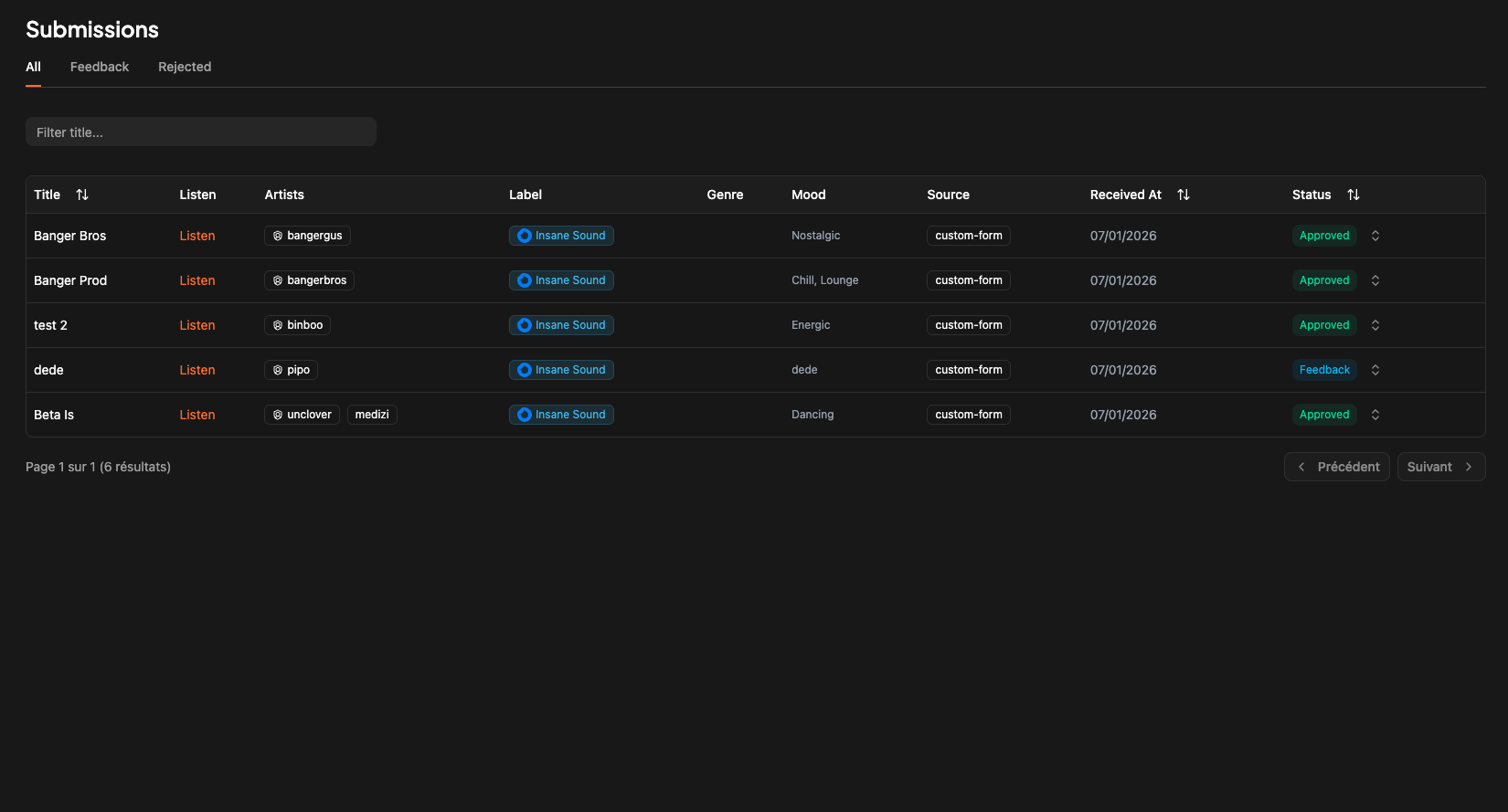 You can see "All" submissions, "Feedback" submissions and "Rejected Submissions".
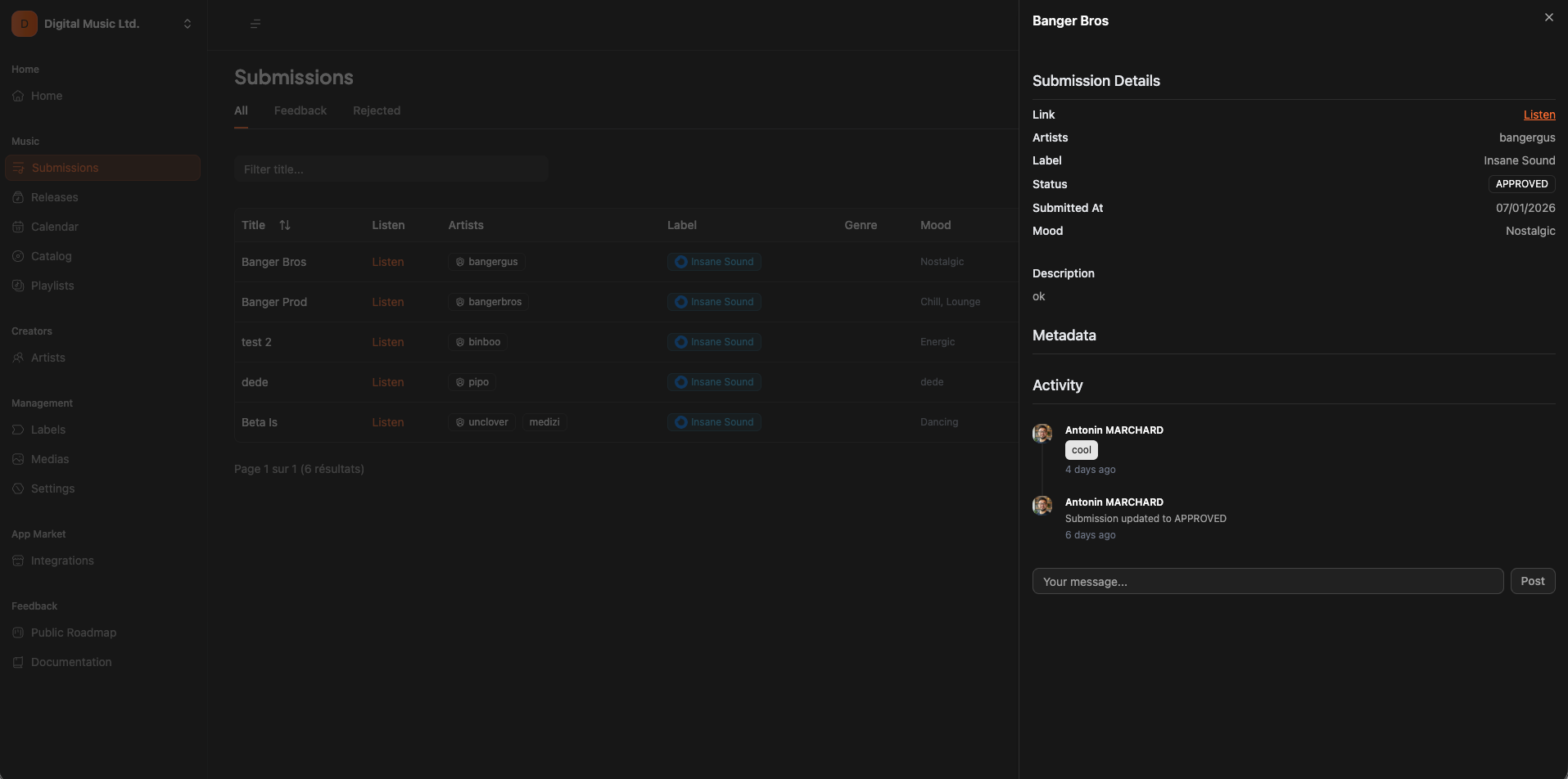
By clicking on submission title, you will see more infos regarding the submission.
You can see "All" submissions, "Feedback" submissions and "Rejected Submissions".
By clicking on submission title, you will see more infos regarding the submission.
 # Accept/Decline a submission
To accept or decline a submission, simply click on the status of the submission and choose the status you want to update to.
# Accept/Decline a submission
To accept or decline a submission, simply click on the status of the submission and choose the status you want to update to.
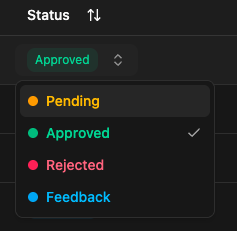 If you choose "Feedback" a pop up will automatically be opened with a feedback requested.
# What happened when a submission is accepted ?
If you accept a submission, it will automatically :
* Create a new release (you will find it on the release section of the app)
* Create an artist for each submission artists referred on the submission (if not already existing)
If you choose "Feedback" a pop up will automatically be opened with a feedback requested.
# What happened when a submission is accepted ?
If you accept a submission, it will automatically :
* Create a new release (you will find it on the release section of the app)
* Create an artist for each submission artists referred on the submission (if not already existing)