> ## Documentation Index
> Fetch the complete documentation index at: https://docs.labelbase.co/llms.txt
> Use this file to discover all available pages before exploring further.
# Storage
> Everything regarding the media storage on labelbase
On labelbase we provide you a storage to avoid using an external tools and switching between different tools. Depending on your plan you will have different sizes of storage.
# See my storage
You can find everything you storage in the "storages" section of the app sidebar.
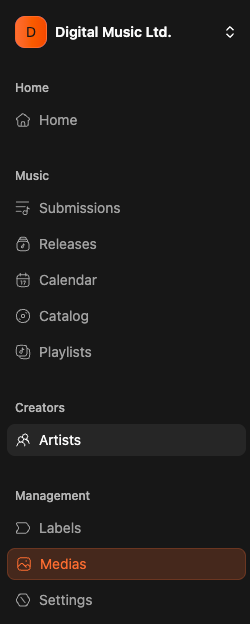 Then you will see the storage page.
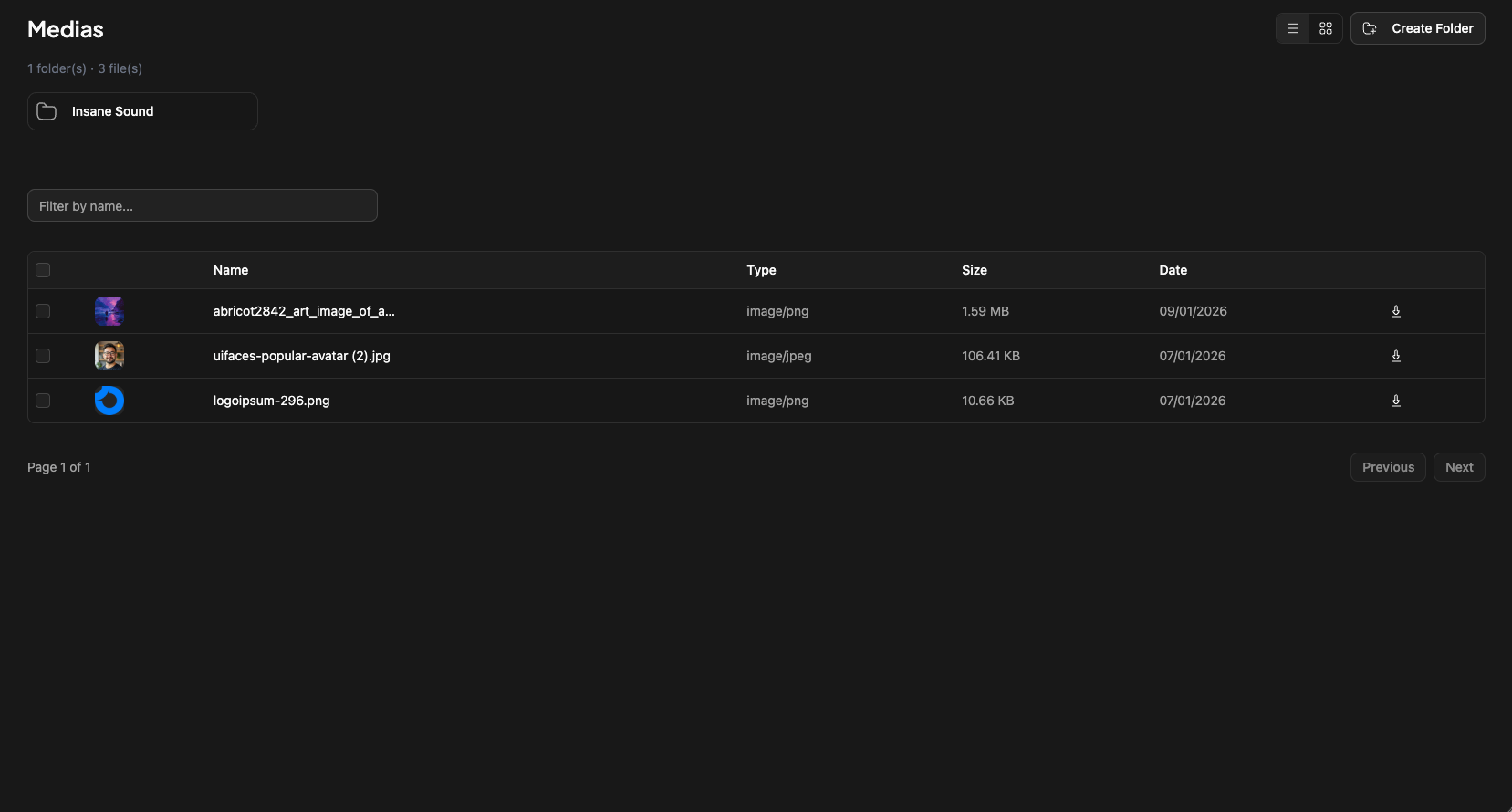 Here you will find all medias uploaded to labelbase (logos, avatars, covers, masters, stems ...)
## What if there are already some folders ?
It's completely normal. We are automatically creating folders for each labels created on labelbase. And then in each labels, we are creating folders for each releases.
# How to create my own folder ?
It's easy. On the storage page, click "Create Folder" on top.
Here you will find all medias uploaded to labelbase (logos, avatars, covers, masters, stems ...)
## What if there are already some folders ?
It's completely normal. We are automatically creating folders for each labels created on labelbase. And then in each labels, we are creating folders for each releases.
# How to create my own folder ?
It's easy. On the storage page, click "Create Folder" on top.
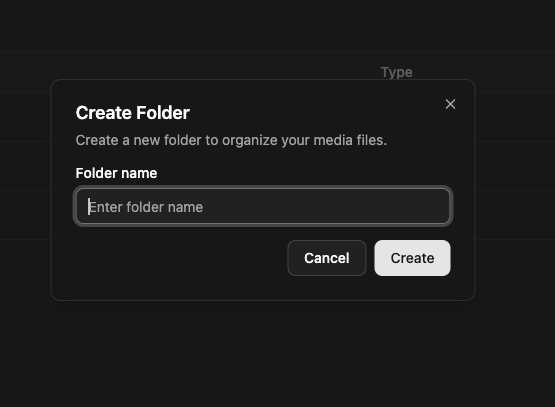 Name your folder, and **voilà** !