> ## Documentation Index
> Fetch the complete documentation index at: https://docs.labelbase.co/llms.txt
> Use this file to discover all available pages before exploring further.
# Notion Integration
> For connecting Notion as a backup source for your releases here is the documentation.
### First : create a notion integration
Go on [https://www.notion.so/profile/integrations](https://www.notion.so/profile/integrations)
And click "New Integration"
 ### Then : Setup your integration
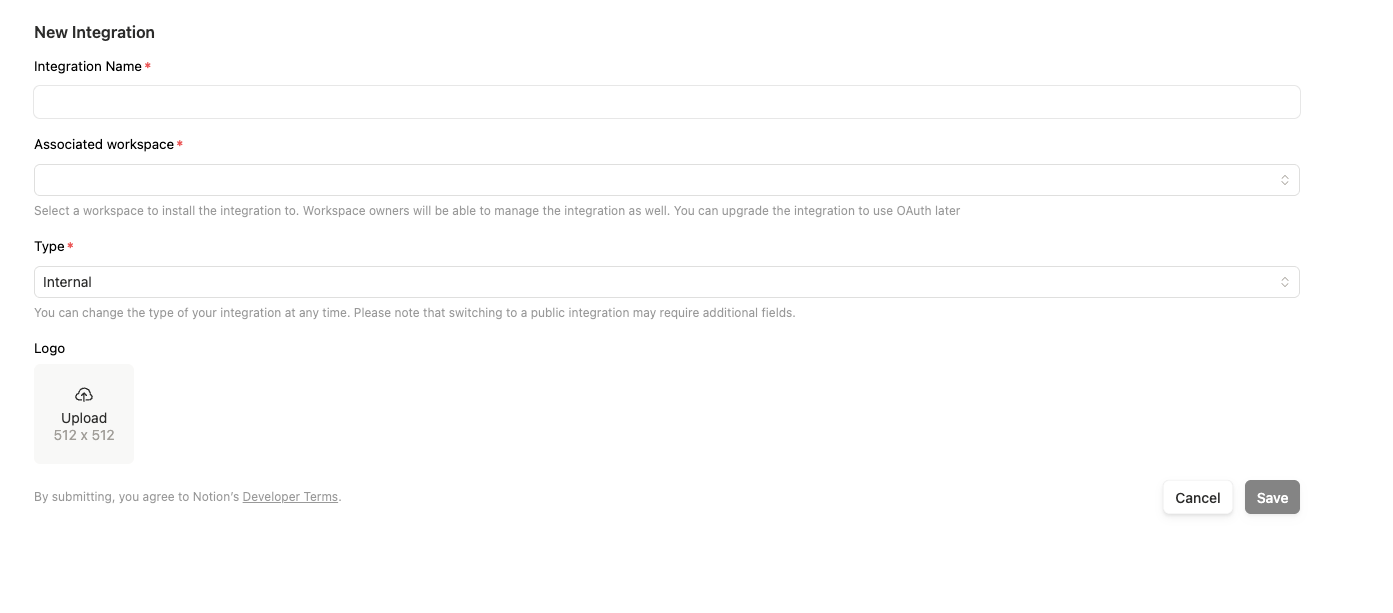 Use type internal and select your workspace.\
Adding a picture is not mandatory.
### Get your secret key
Use type internal and select your workspace.\
Adding a picture is not mandatory.
### Get your secret key
 Get your secret key and copy it.
We store it in our DB, but it will be encrypted. No one will be able to read it, including us.
### Activate the notion integration
Go on your integrations on labelbase, select the label you want, and activate the integration
Get your secret key and copy it.
We store it in our DB, but it will be encrypted. No one will be able to read it, including us.
### Activate the notion integration
Go on your integrations on labelbase, select the label you want, and activate the integration
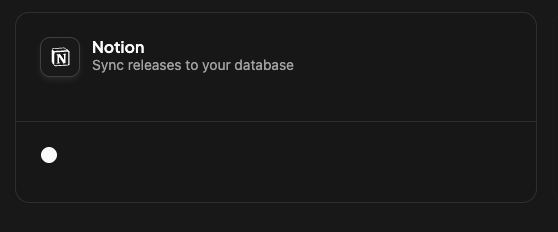
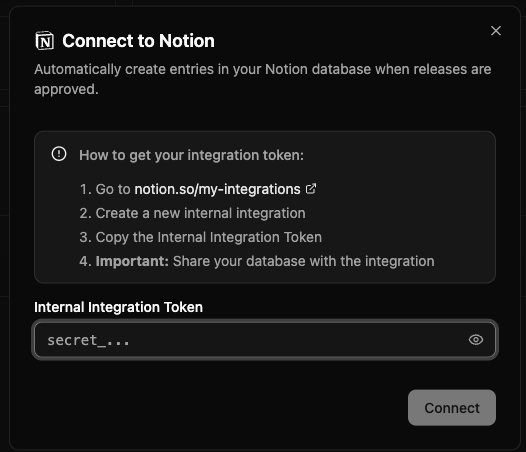 Then paste the secret key. Then you will have all explanation on how to sync your notion database to labelbase.