> ## Documentation Index
> Fetch the complete documentation index at: https://docs.labelbase.co/llms.txt
> Use this file to discover all available pages before exploring further.
# Labels
> Everything regarding labels
Labelbase is workspace based. It means, a workspace can own multiple labels (based on your plan).
# List your labels
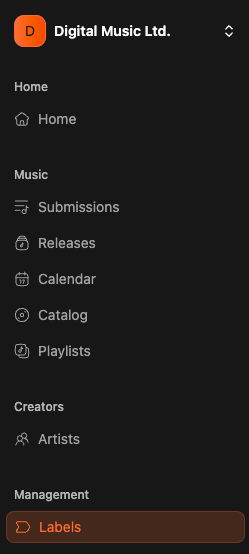
To get the list of your labels, simply click on the "labels" section of the app sidebar
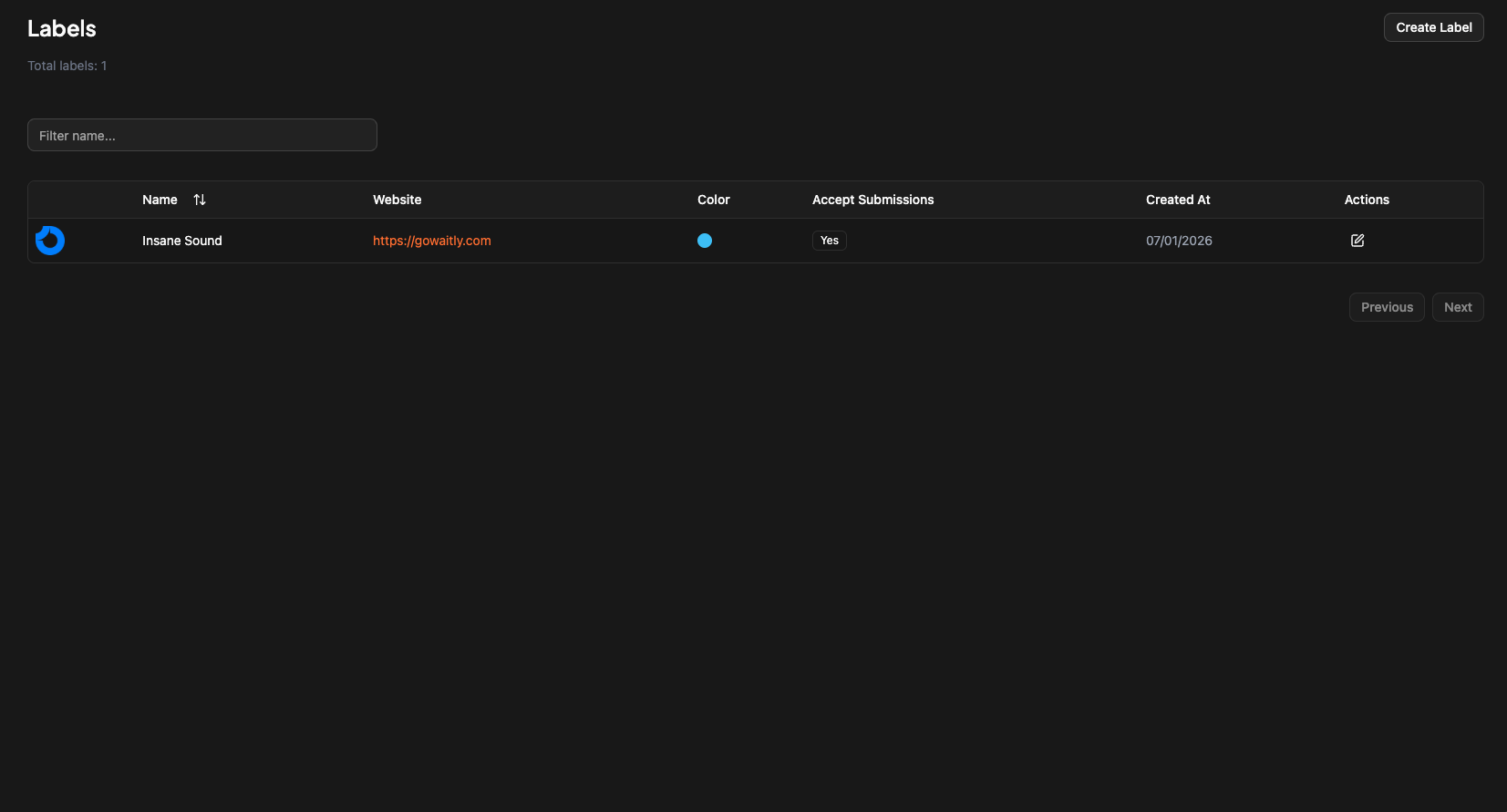
 And then you will have all you created labels
 # How to create a label
To create a label simply click on "Create label" button on top of the labels page.
# How to create a label
To create a label simply click on "Create label" button on top of the labels page.
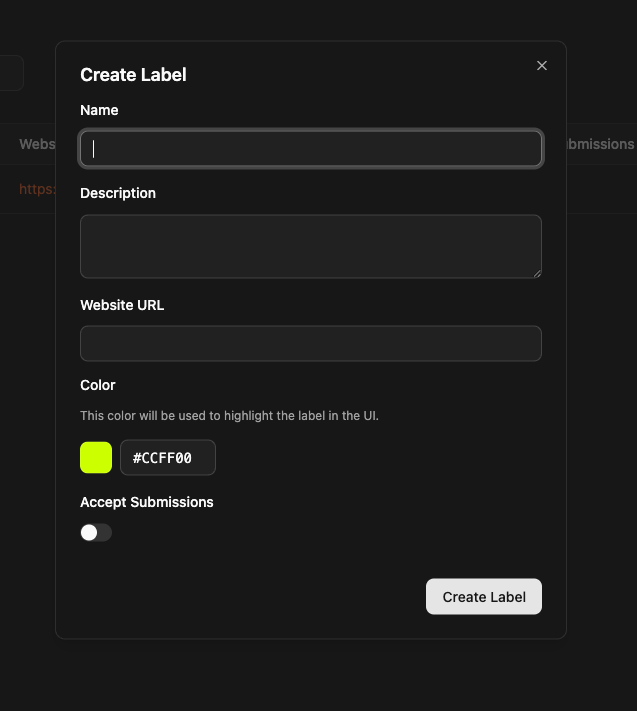 The color will be used to emphasis your label name on releases and submissions. It's a visual indicator.
# How to receive submission for a label ?
on labelbase, you have an "integrations" section. Each integration is linked to a label and not to a workspace. See the integrations section of the documentation.
The color will be used to emphasis your label name on releases and submissions. It's a visual indicator.
# How to receive submission for a label ?
on labelbase, you have an "integrations" section. Each integration is linked to a label and not to a workspace. See the integrations section of the documentation.